Free Halloween ecards for coworkers
Halloween at work is a ghost on the monitor and a bowl of candy by the coffee machine, not a horror film. These designs are drawn in that spirit: friendly ghosts, a black cat, dancing skeletons, a desk dressed for the day. Pick one, invite the team to sign, and it opens on the morning you choose.
Create a free Halloween card →Free · up to 100 invited signers · no accounts for the people signing
Halloween card designs
Pick a design. Add your own greeting.
Want a ready-made image? Free Halloween card downloads →
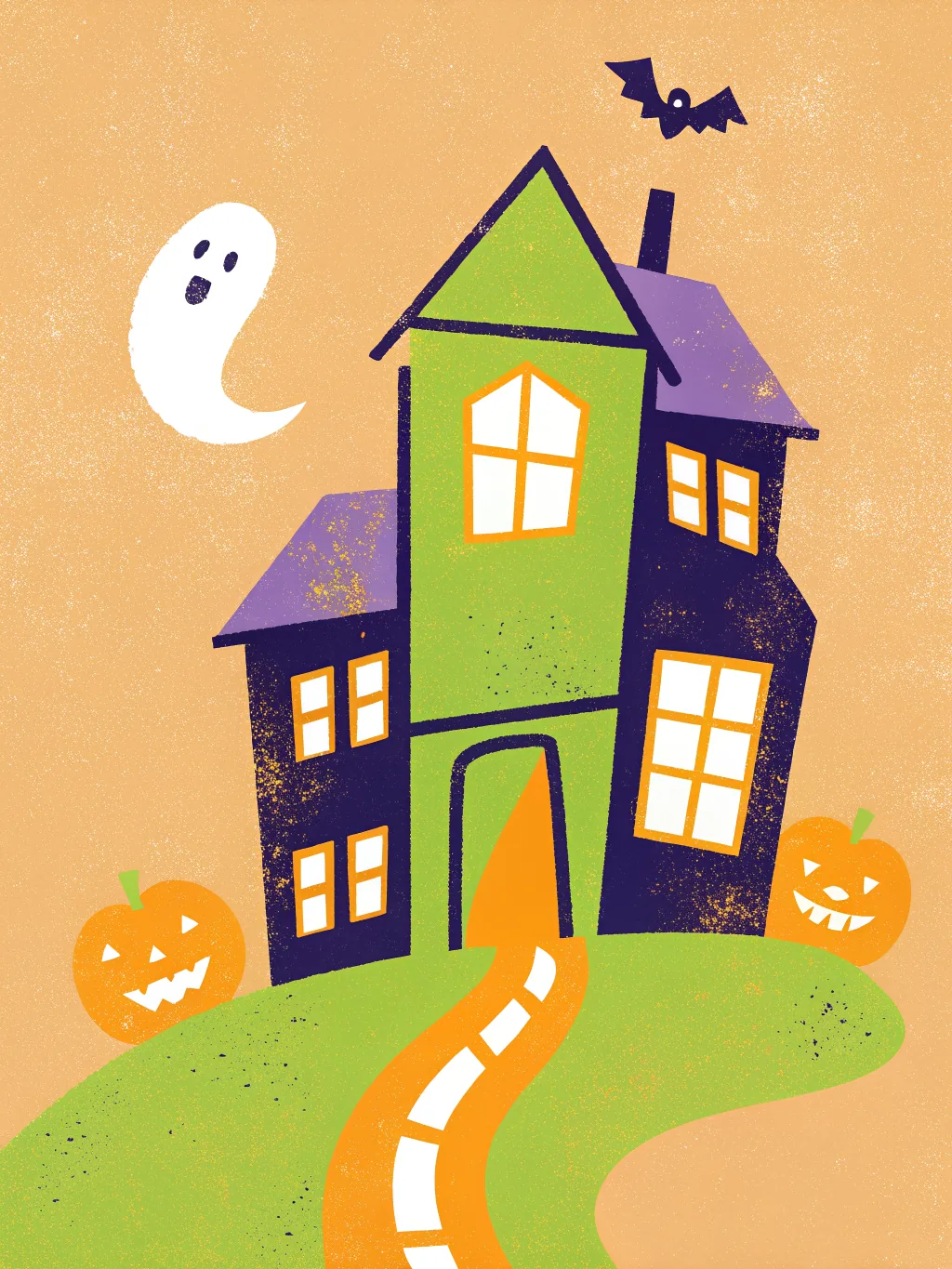
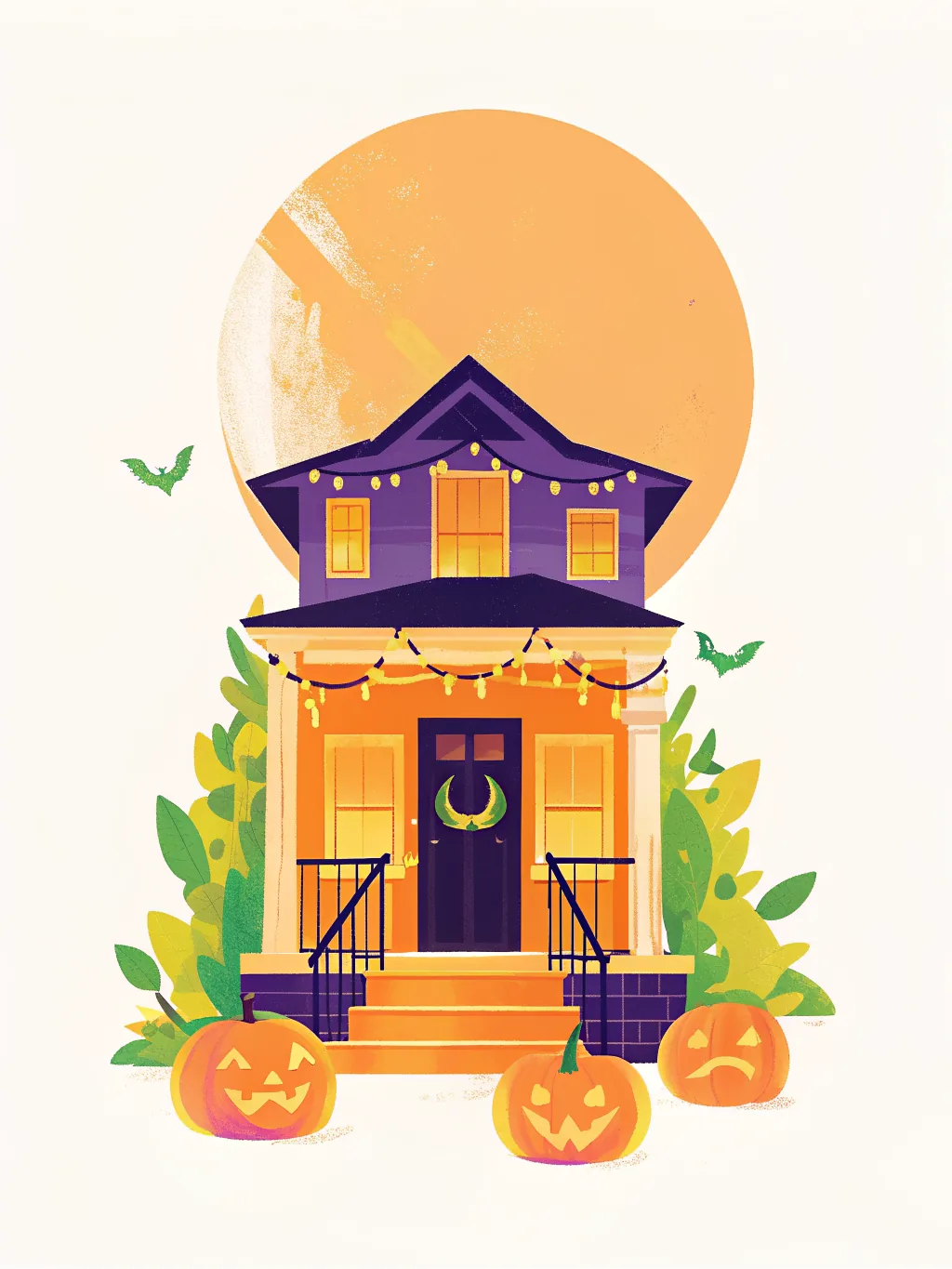
- Haunted House Create an ecard
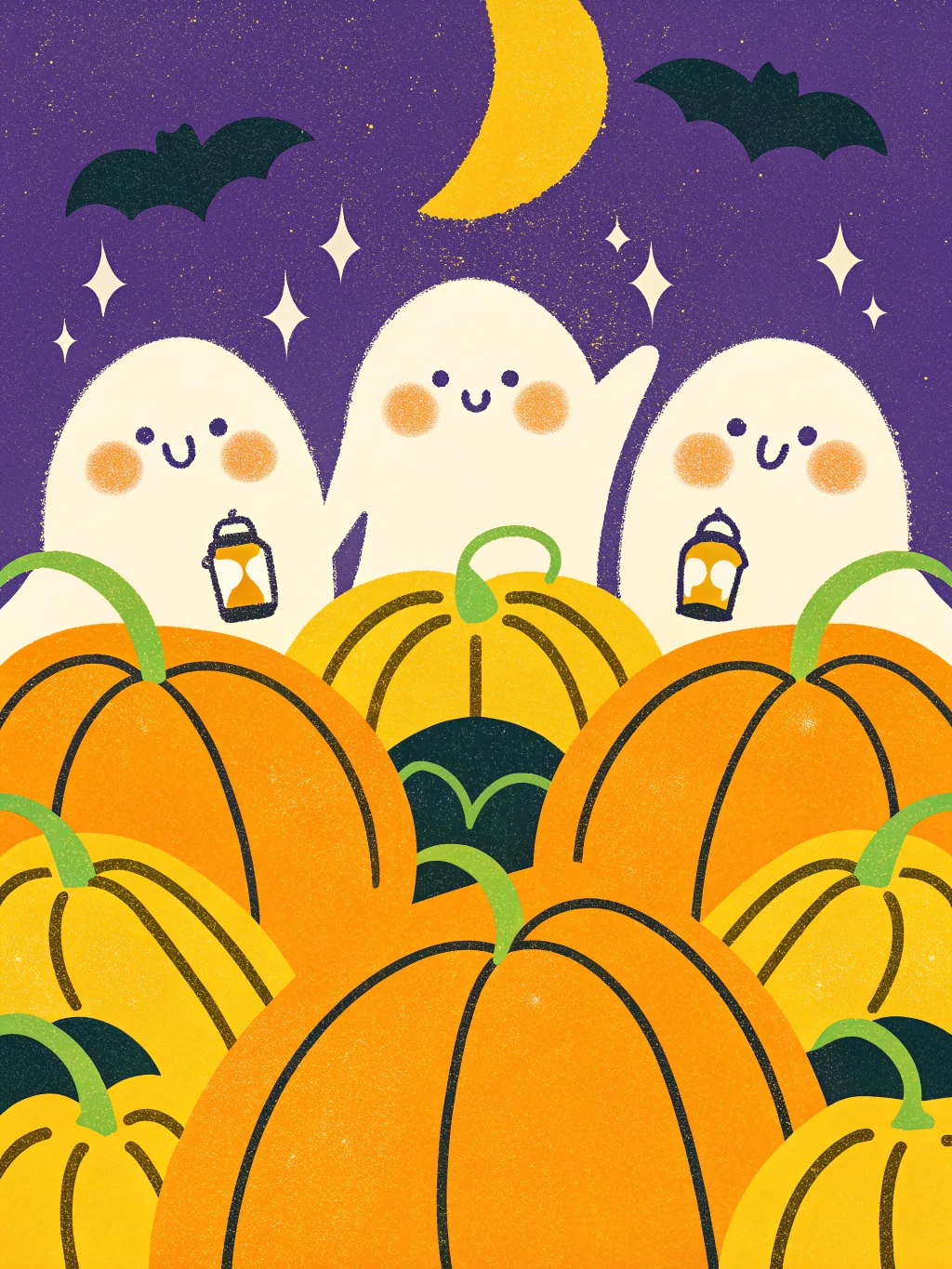
- Friendly Ghosts Create an ecard
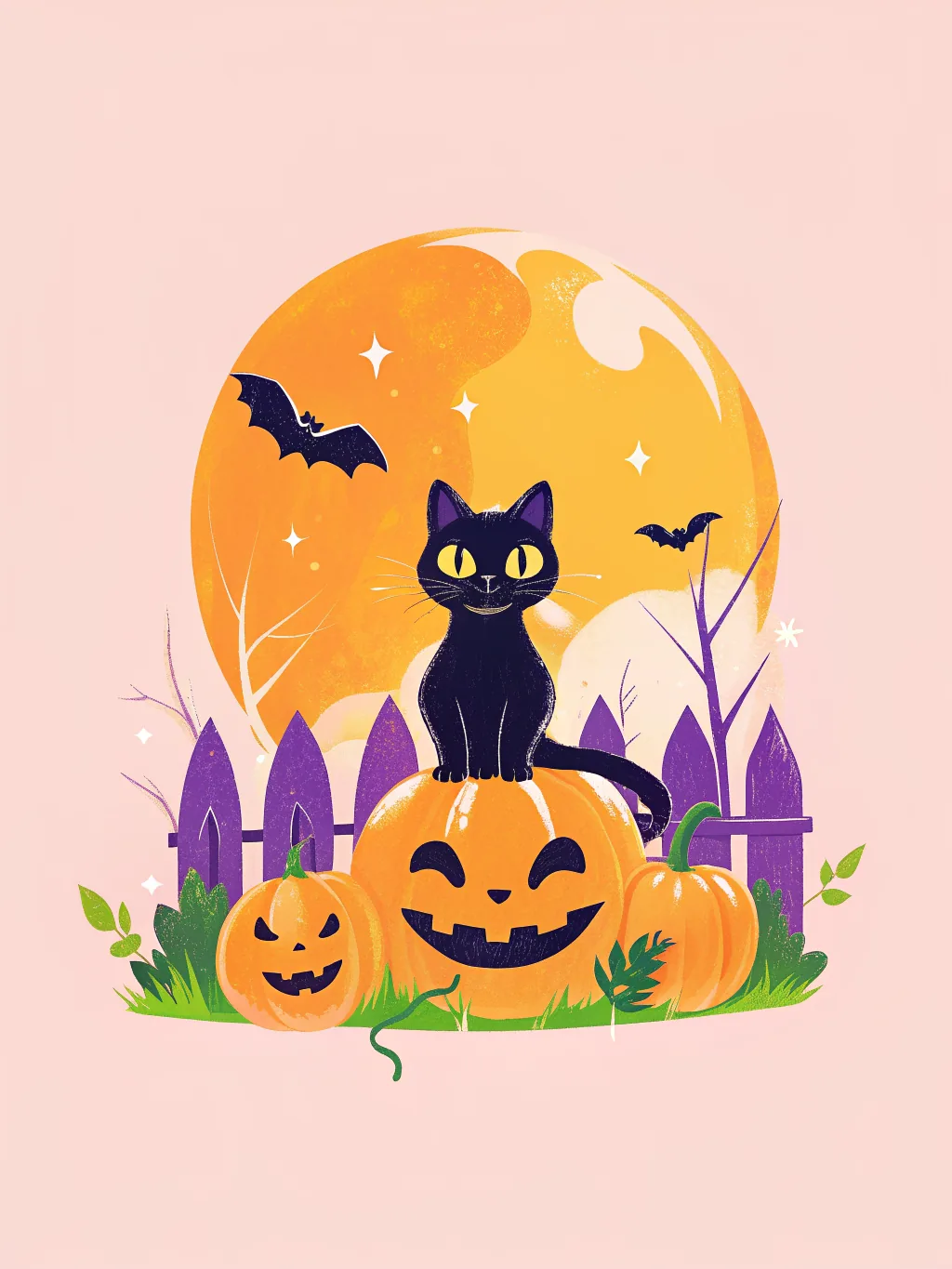
- Black Cat Create an ecard
- Skeleton Dance Create an ecard

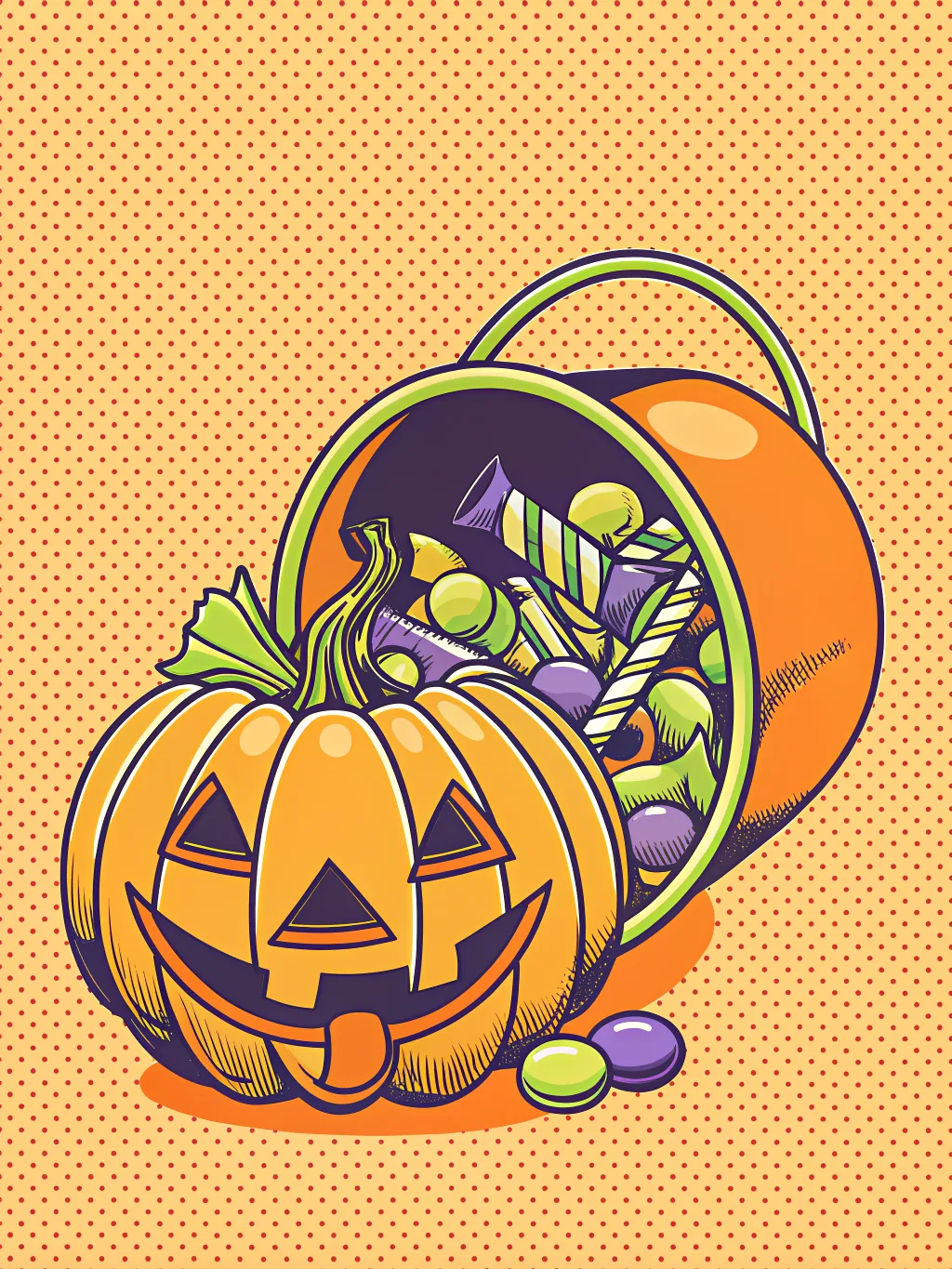
- Candy Haul Create an ecard
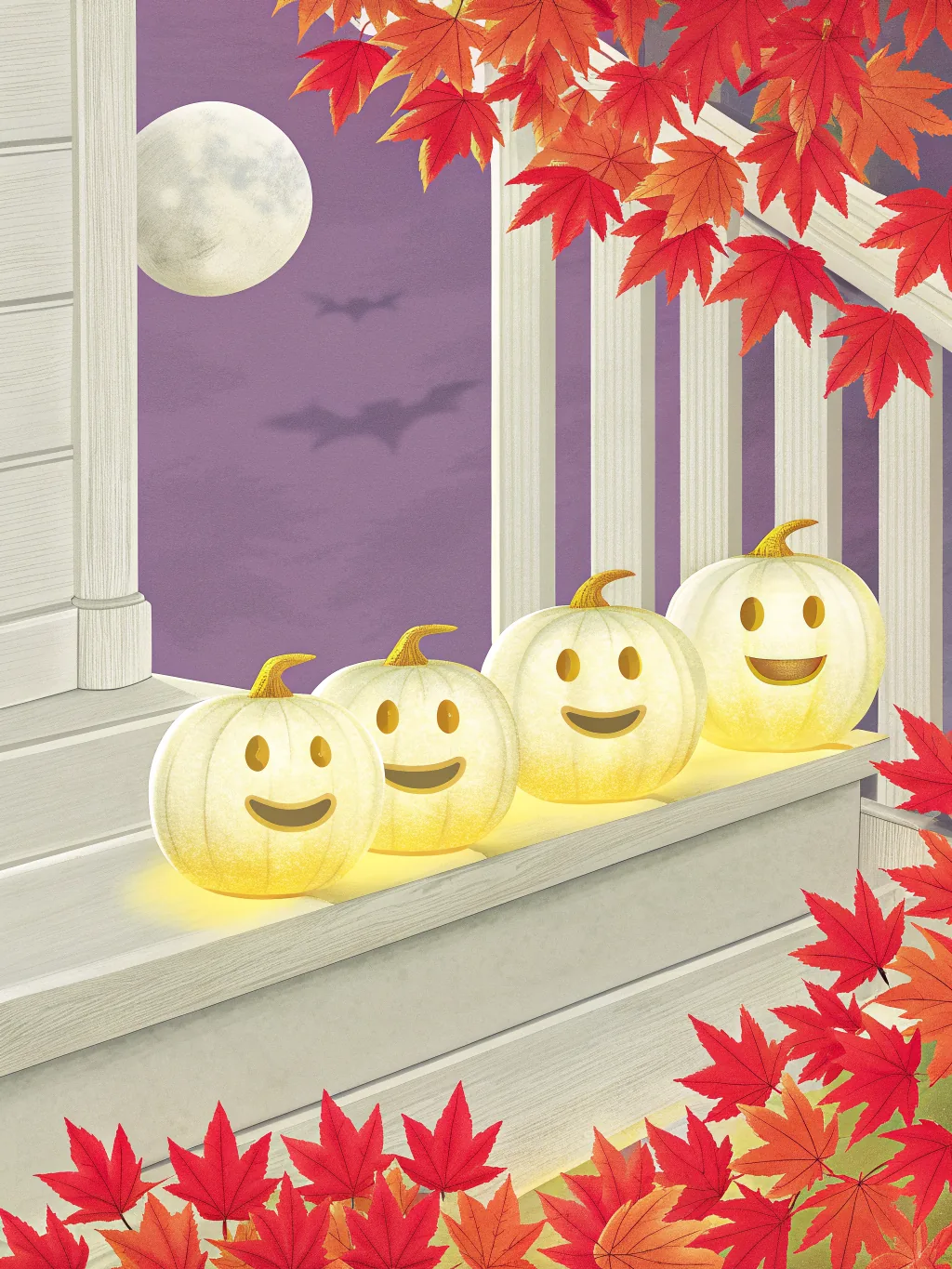
- Pumpkin Porch Create an ecard
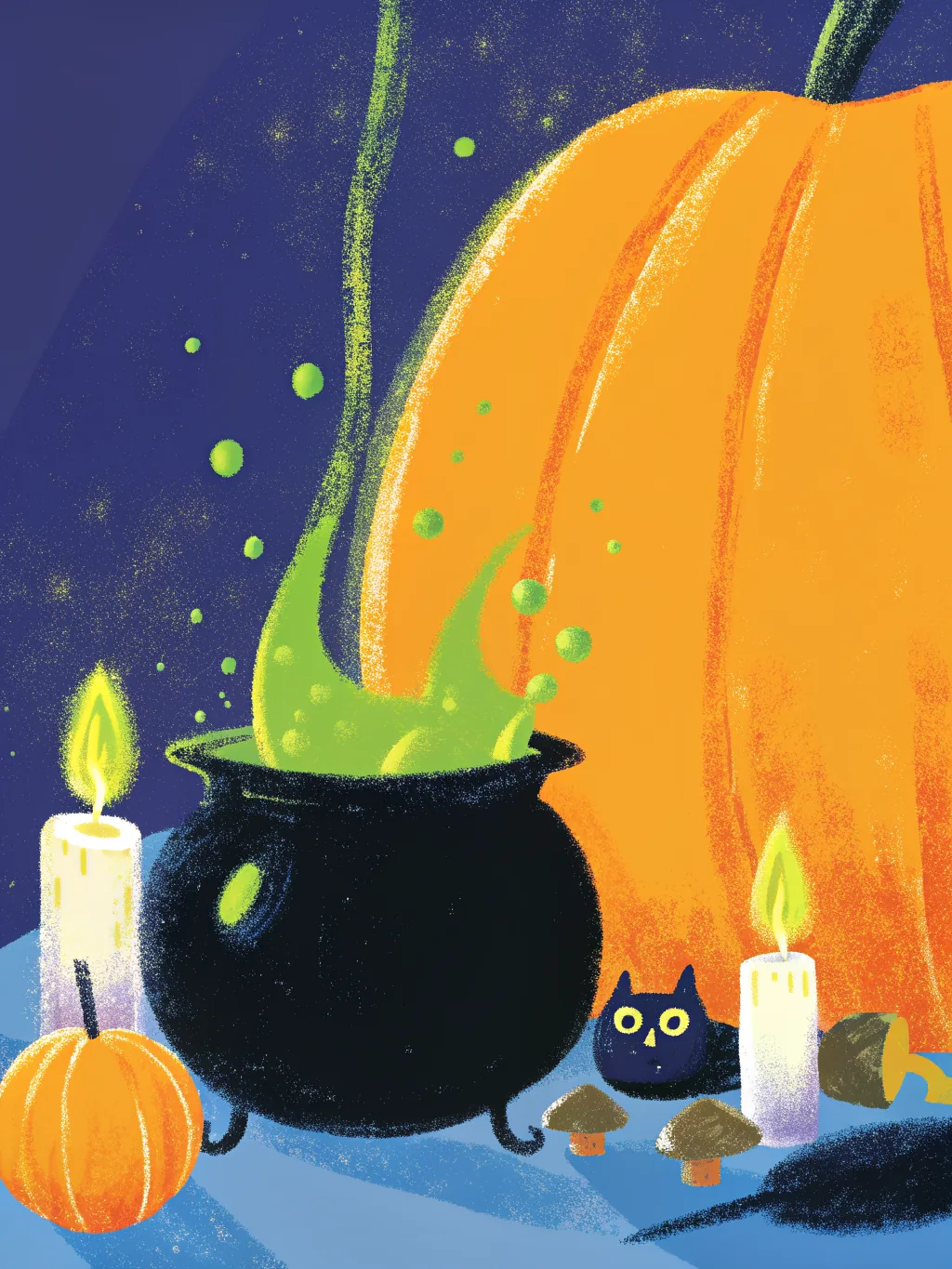
- Witch’s Brew Create an ecard
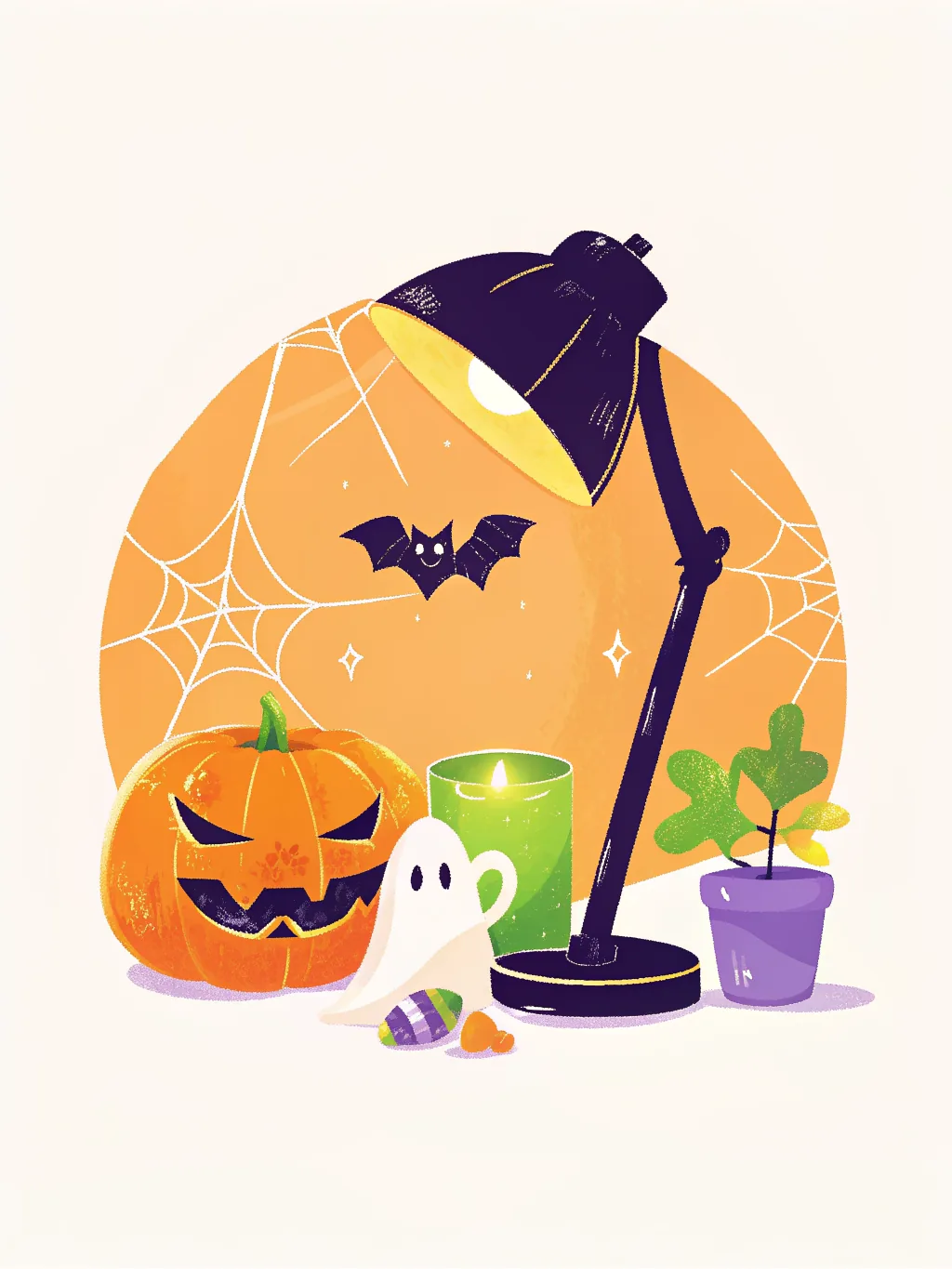
- Spooky Desk Create an ecard
- Pumpkin Spice Create an ecard

- Party Punch Create an ecard

- Monster Mash Create an ecard
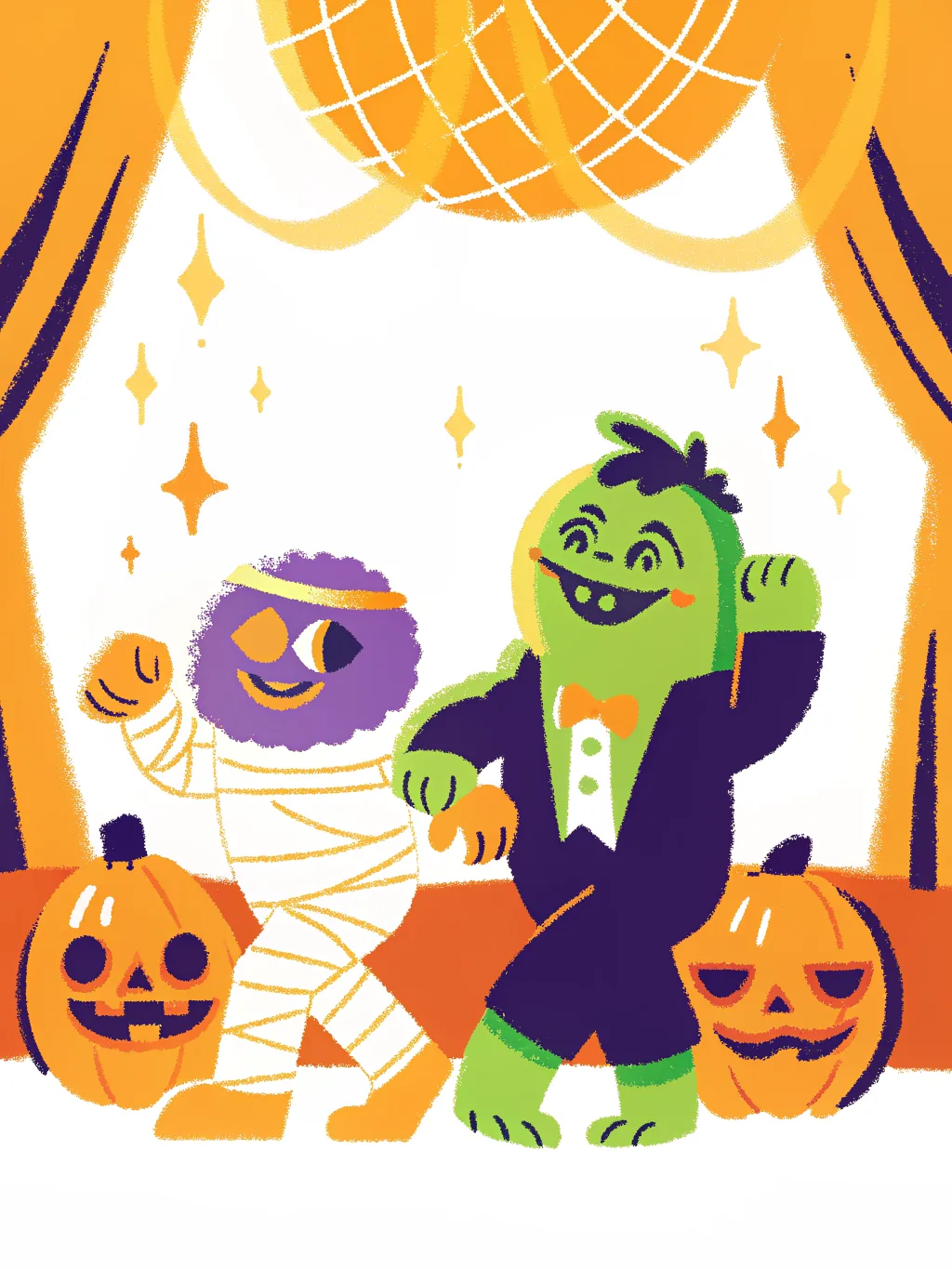
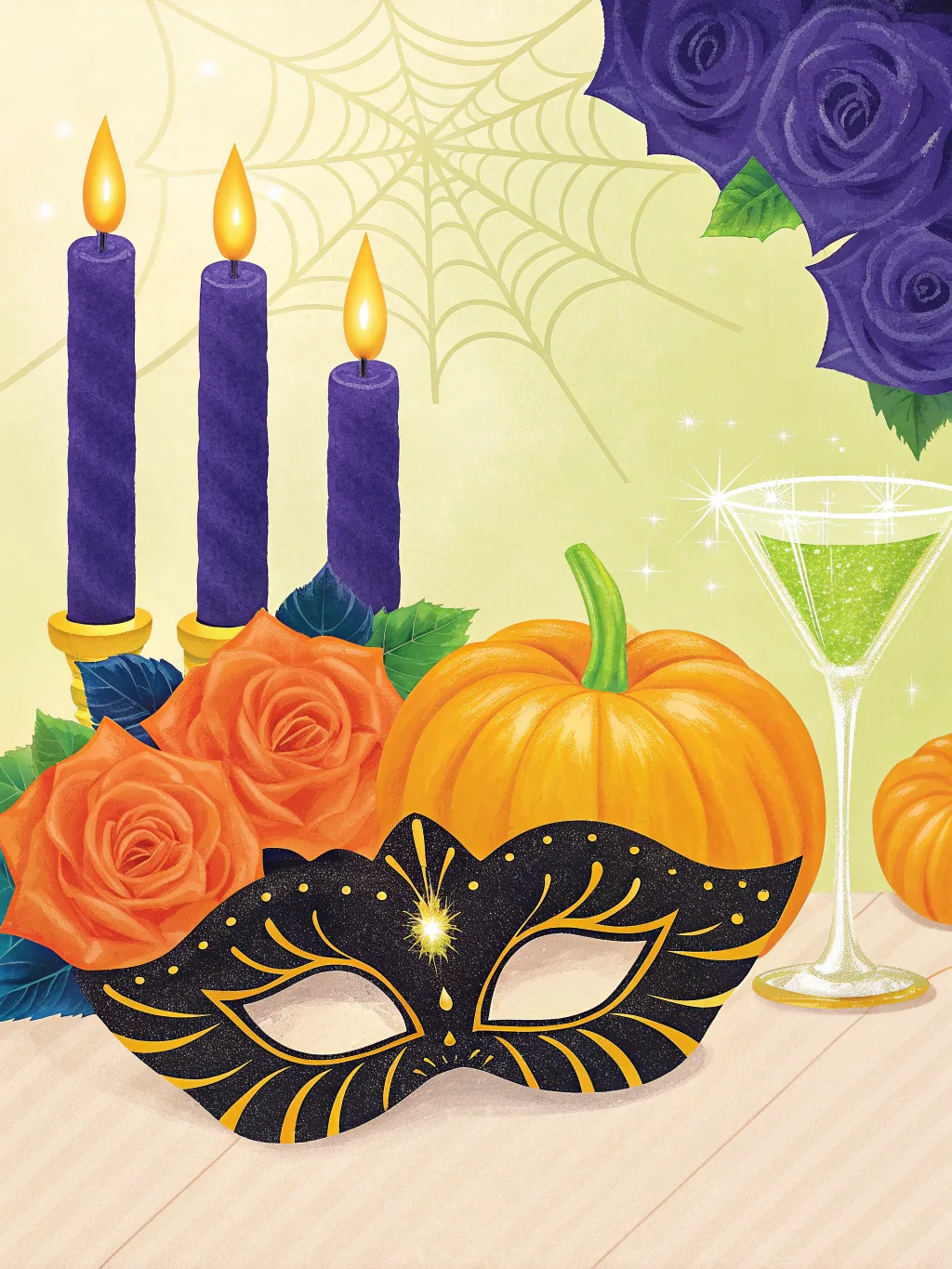
- Masquerade Create an ecard
- Trick or Treat Create an ecard
Throwing a Halloween party?
Send a Halloween invitation by email or link, and collect replies, plus-ones and who’s bringing what in one list. Free for up to 100 guests.
Create a Halloween invitation →How it works
- 1
Pick a design and write the first message
No account needed to start — you compose first and only give an email when you save the card.
- 2
Invite the team by email
Everyone gets their own private invite link. Nothing to forward around Slack, and you can see who has signed.
- 3
It delivers itself on the day
Sealed until the delivery date, then it opens in the timezone you set for them — not yours.
What to write
- Happy Halloween! Thanks for being the treat in every meeting this year.
- Wishing you more treats than tricks, and a desk drawer full of candy.
- Boo! Just the team saying we’re glad you’re here. Have a spooktacular Halloween.
- Happy Halloween from all of us. No costume could be scarier than our Q4 deadlines.
- To the best costume in the office: you were robbed. Happy Halloween!
Halloween is a Saturday this year
October 31 falls on a weekend in 2026, so schedule the card for Friday the 30th, the day most offices do costumes and candy. A card that opens on Saturday waits until Monday to be read.
Cute beats scary at work
Not everyone at work enjoys horror. Rosy-cheeked ghosts and grinning pumpkins land with everyone; save the gore for the party.
One card, everyone’s names
A card the whole team signs is the one people screenshot. For a card each, choose “Send it to a list” and up to 25 people get their own copy with their name on it.
More message examples: Halloween party invitations·Holiday cards for teams·Corporate eCards: what they cost and how to send them free
Why teams use TeamRally Cards
- Free to make, sign and send. Invite up to 100 people, with no per-signer fee, premium designs or charge to deliver.
- Personal email invites. Every signer gets their own link, so there is no shared URL for the recipient to stumble across.
- Sealed until the day. The recipient's link refuses to open before delivery, so a leaked link doesn't spoil the surprise.
- No accounts for signers. They click their invite and write. No sign-up, no password, no app.
See how that compares with Kudoboard, GroupGreeting and Ellacard.
Questions
- Are these Halloween ecards free?
- Yes. Every design is free to make, sign and send, with up to 100 invited signers and no account for the people signing.
- Can I change the greeting?
- Yes. Each design opens with “Happy Halloween” already written, and you can rewrite it, move it or change its colour.
- When does the card arrive?
- On the day and time you schedule, in the recipient’s timezone. Until then the card stays sealed, so a forwarded link does not spoil it.
- Can I send a Halloween ecard to the whole team?
- Yes. Make one card and invite the team to sign it, or choose “Send it to a list”: write one message and up to 25 people each get their own copy at their own email.
- Are the designs scary?
- No. They are cute-spooky: friendly ghosts, a black cat, a haunted house with warm windows, skeletons dancing with maracas. Nothing you would hesitate to send a colleague.