Free online Halloween party invitations with RSVP
Costume party, kids’ trick-or-treat or the office Halloween social: pick a spooky-fun design, add the date and place, and send it by email or drop the link in the group chat. Guests reply in a tap, and you see the headcount, the plus-ones and the allergies before you buy the candy.
Create a free Halloween party invitation →Free for up to 100 guests · no ads · no accounts for guests
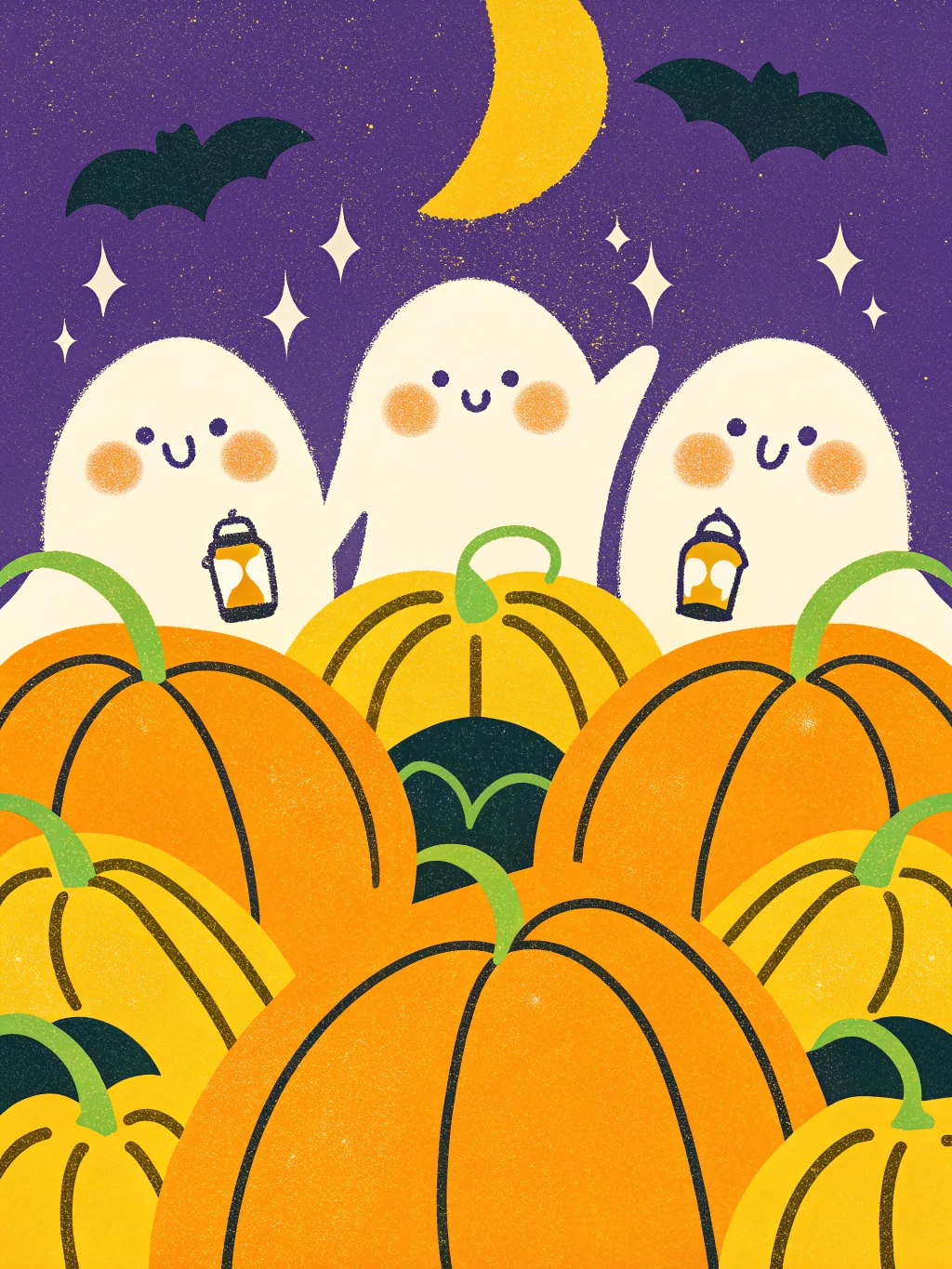
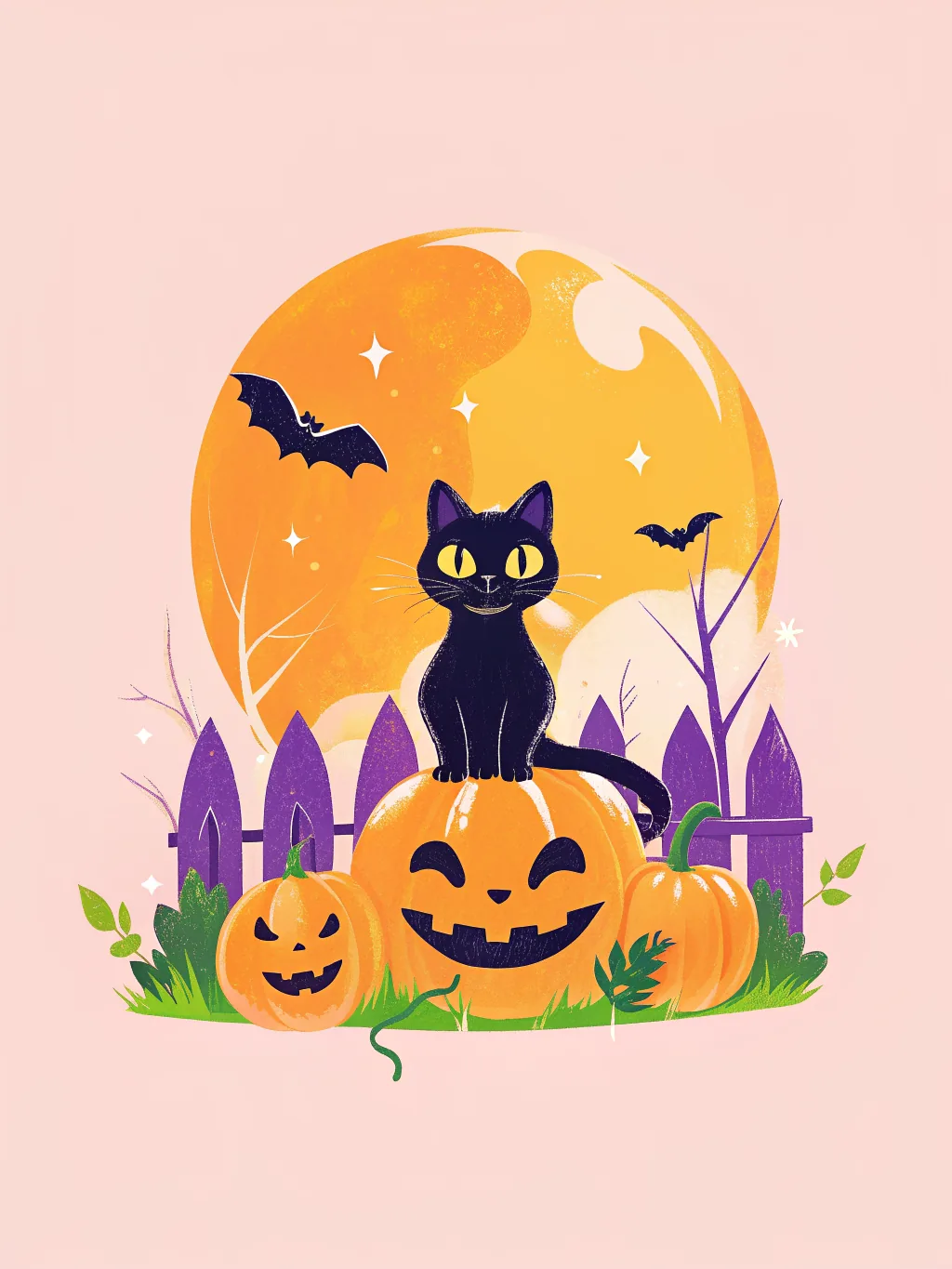
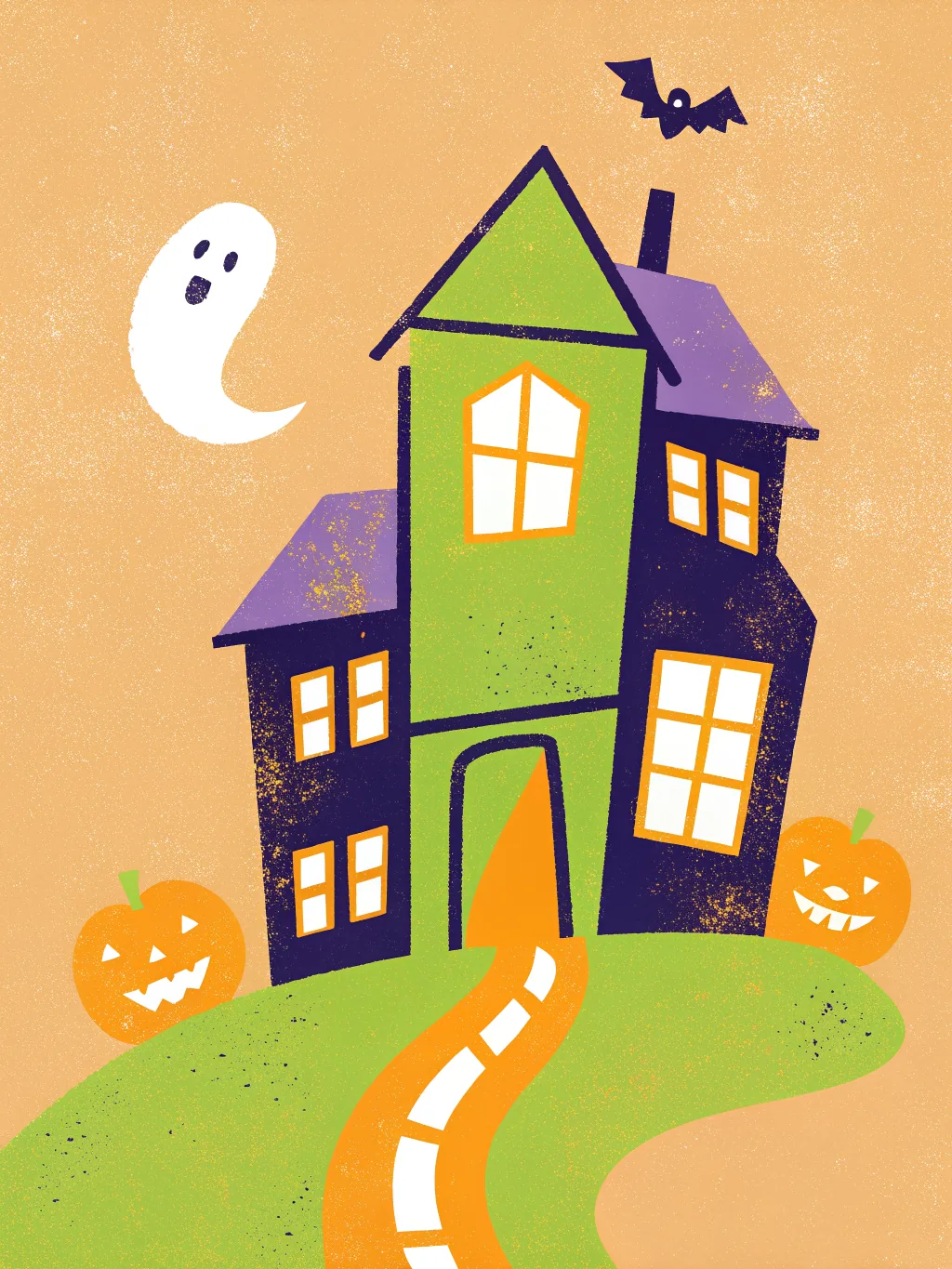
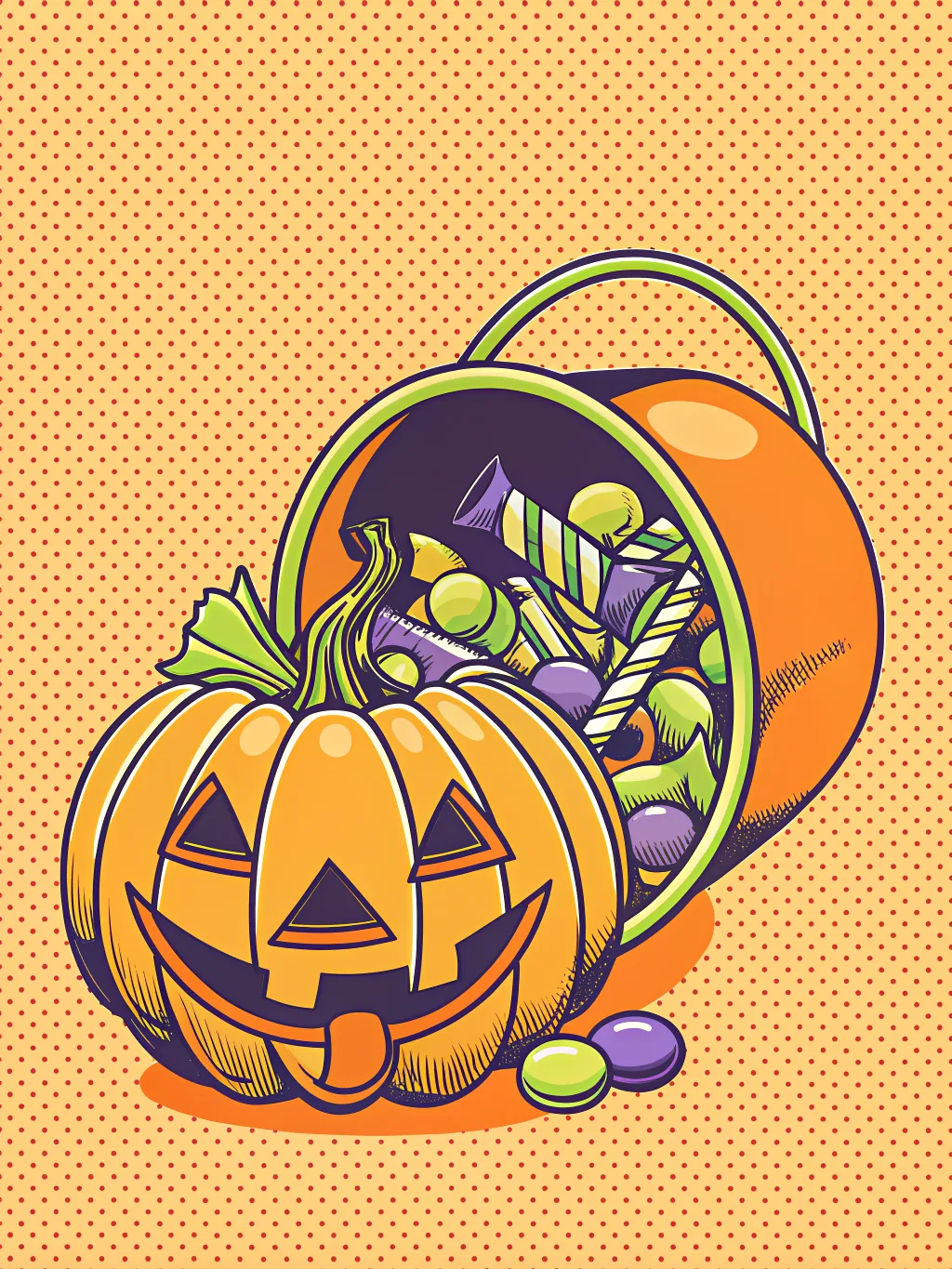
Halloween party designs
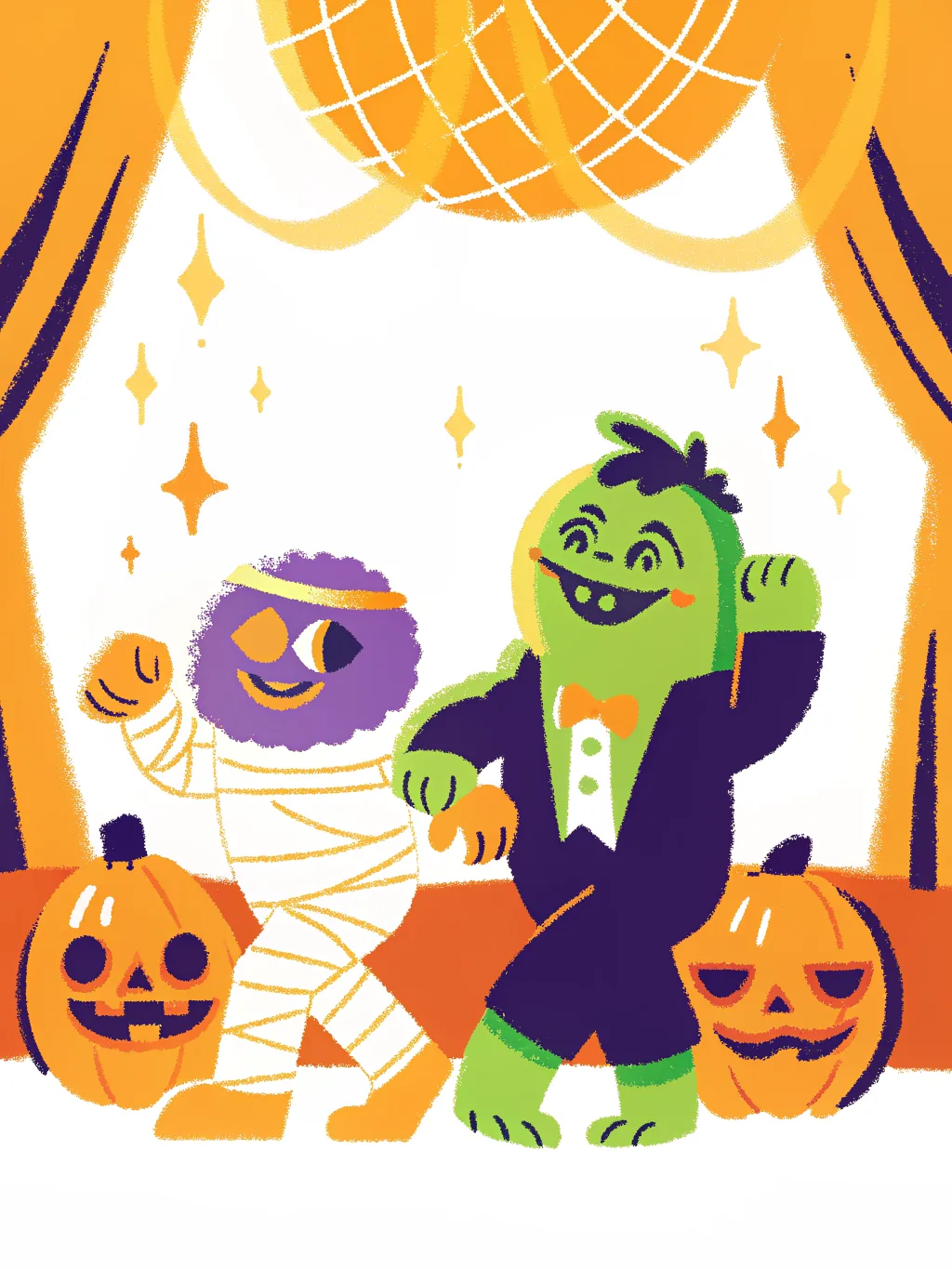
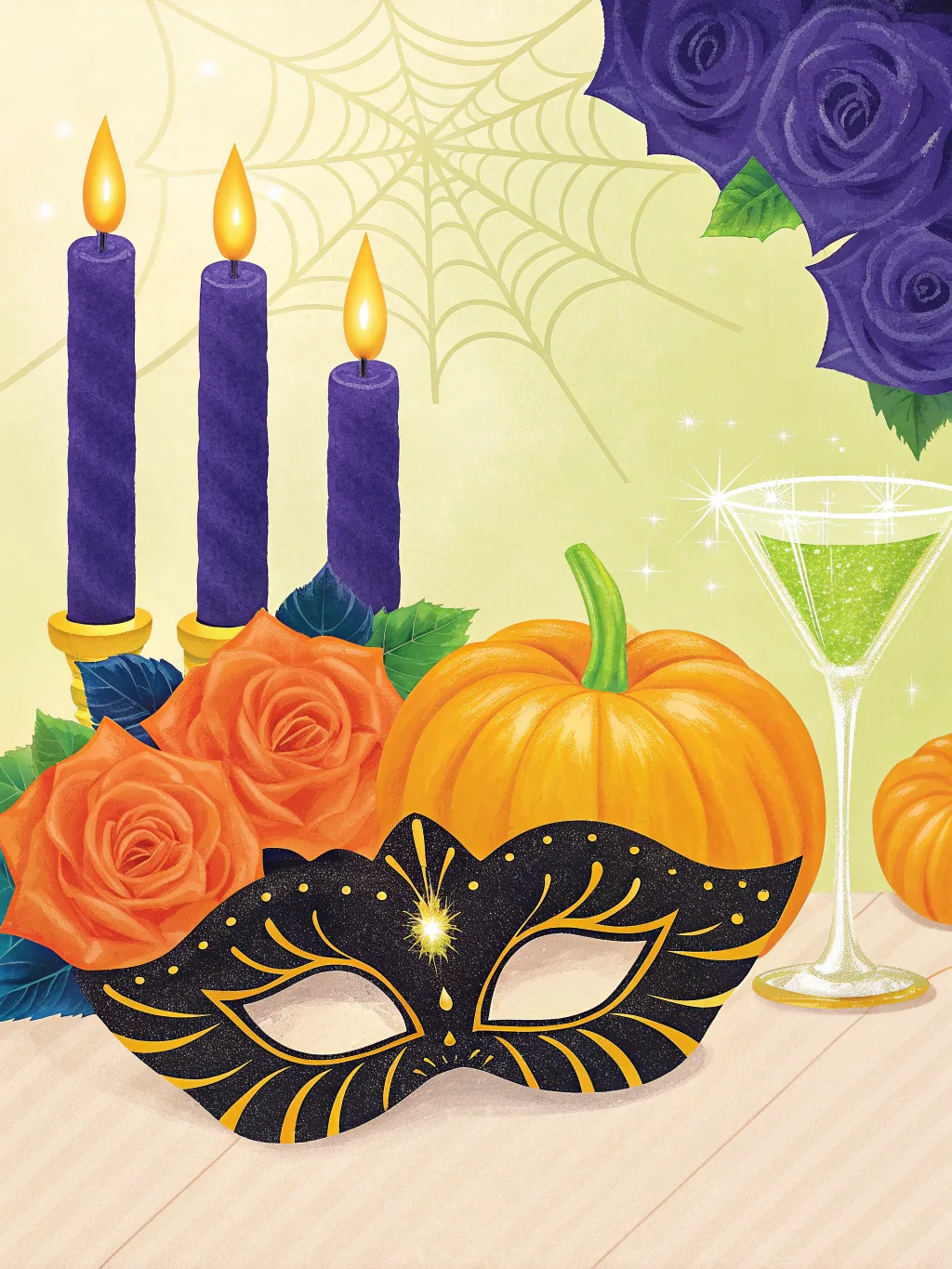
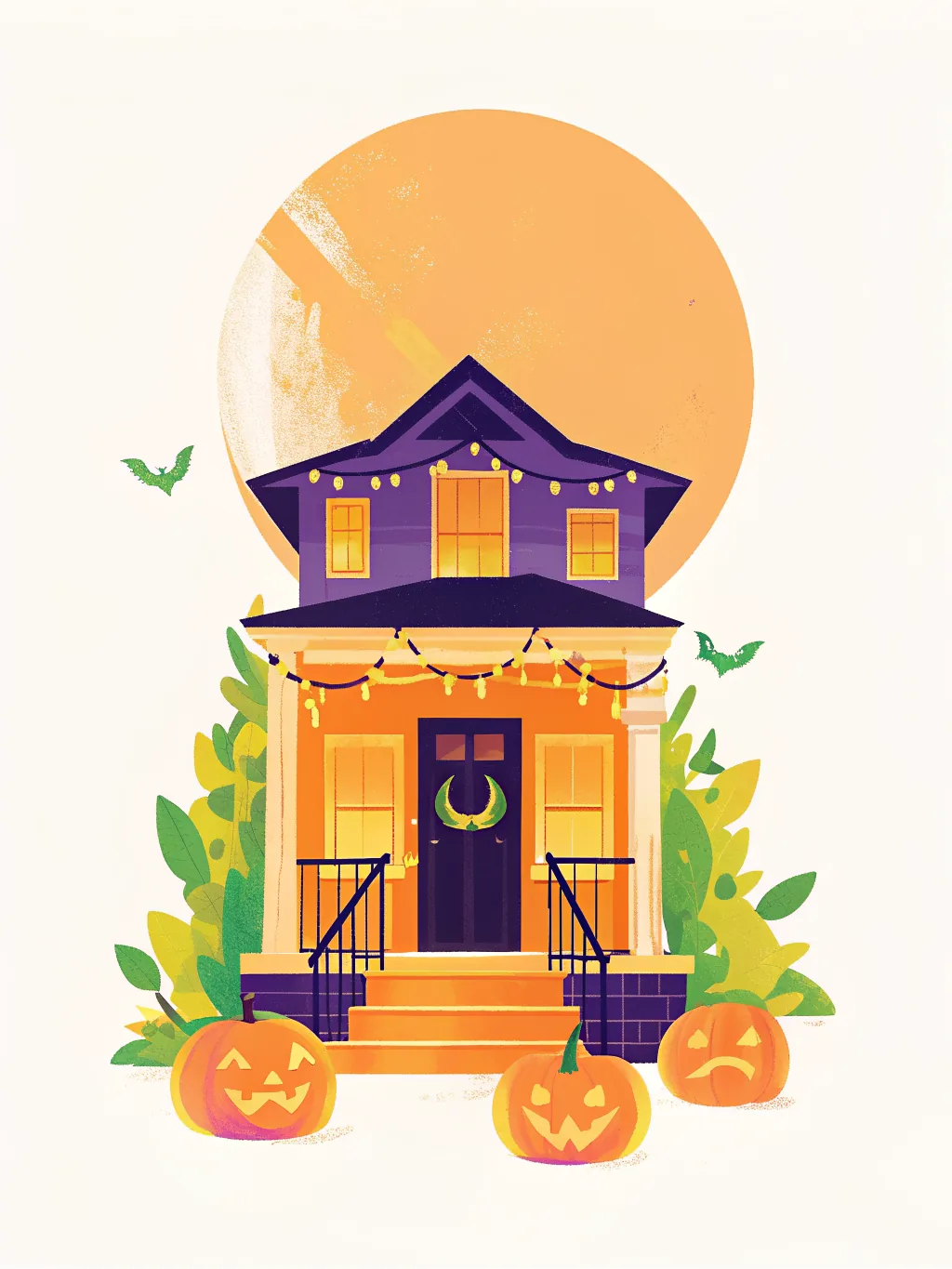
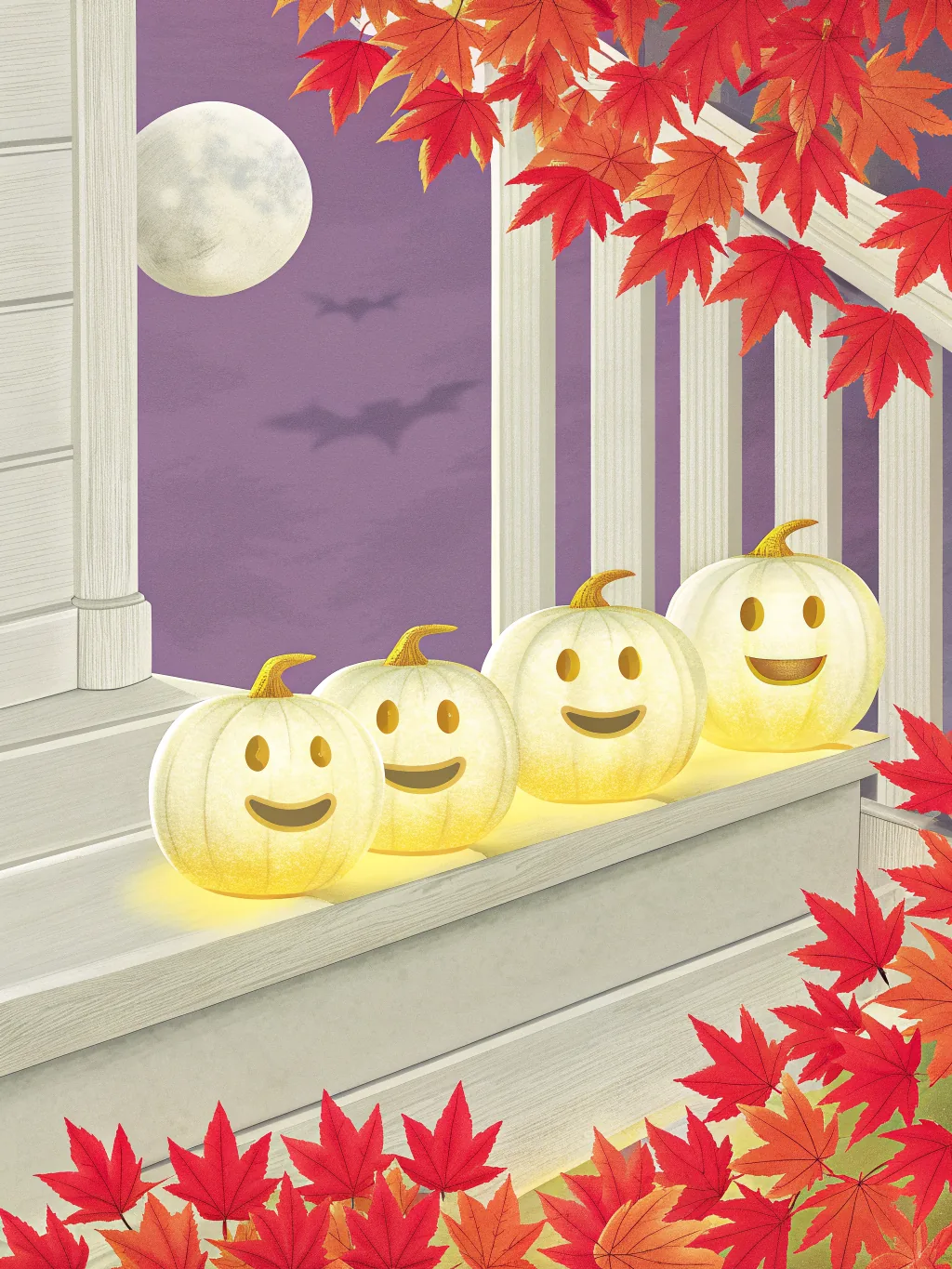
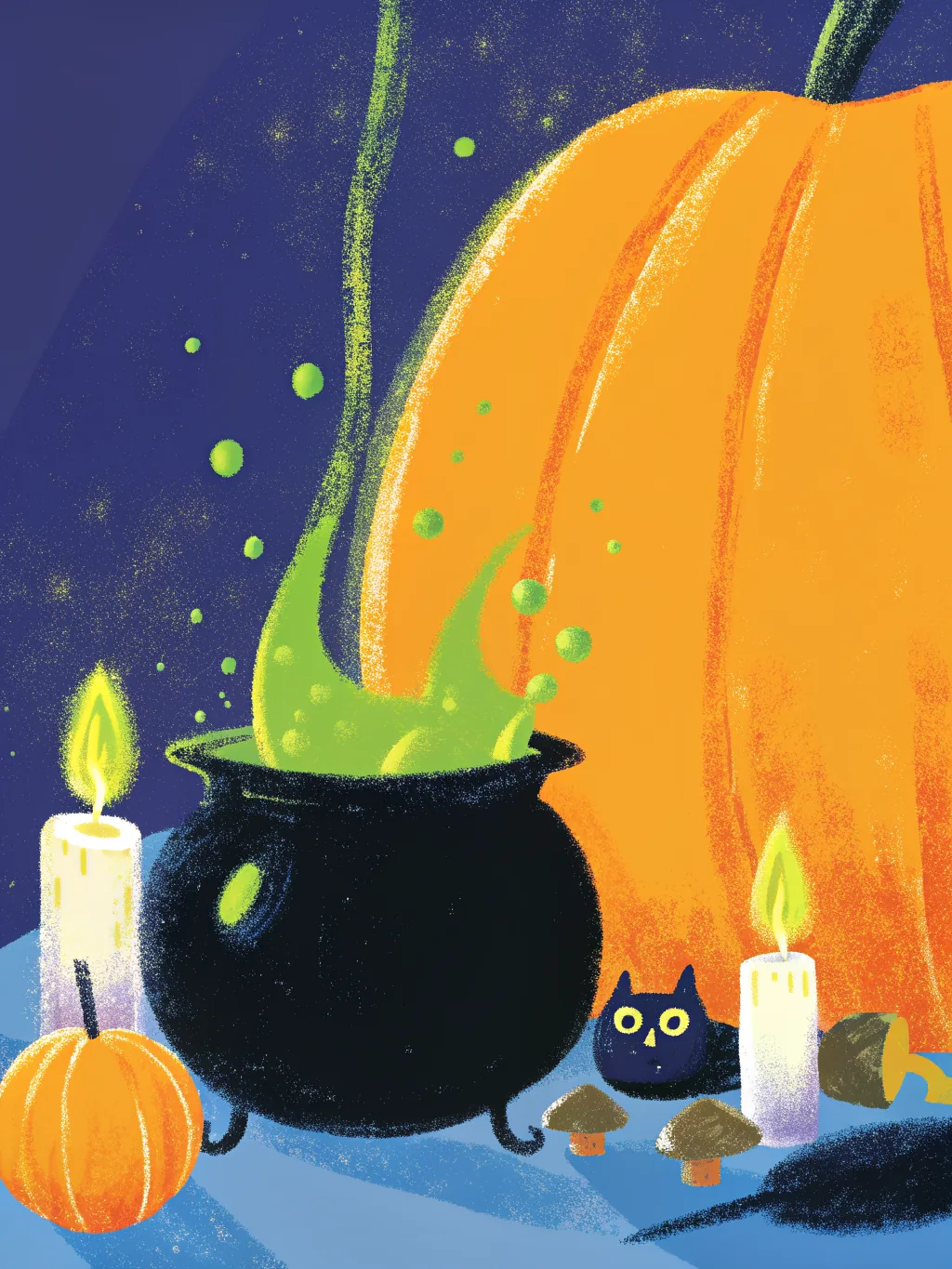
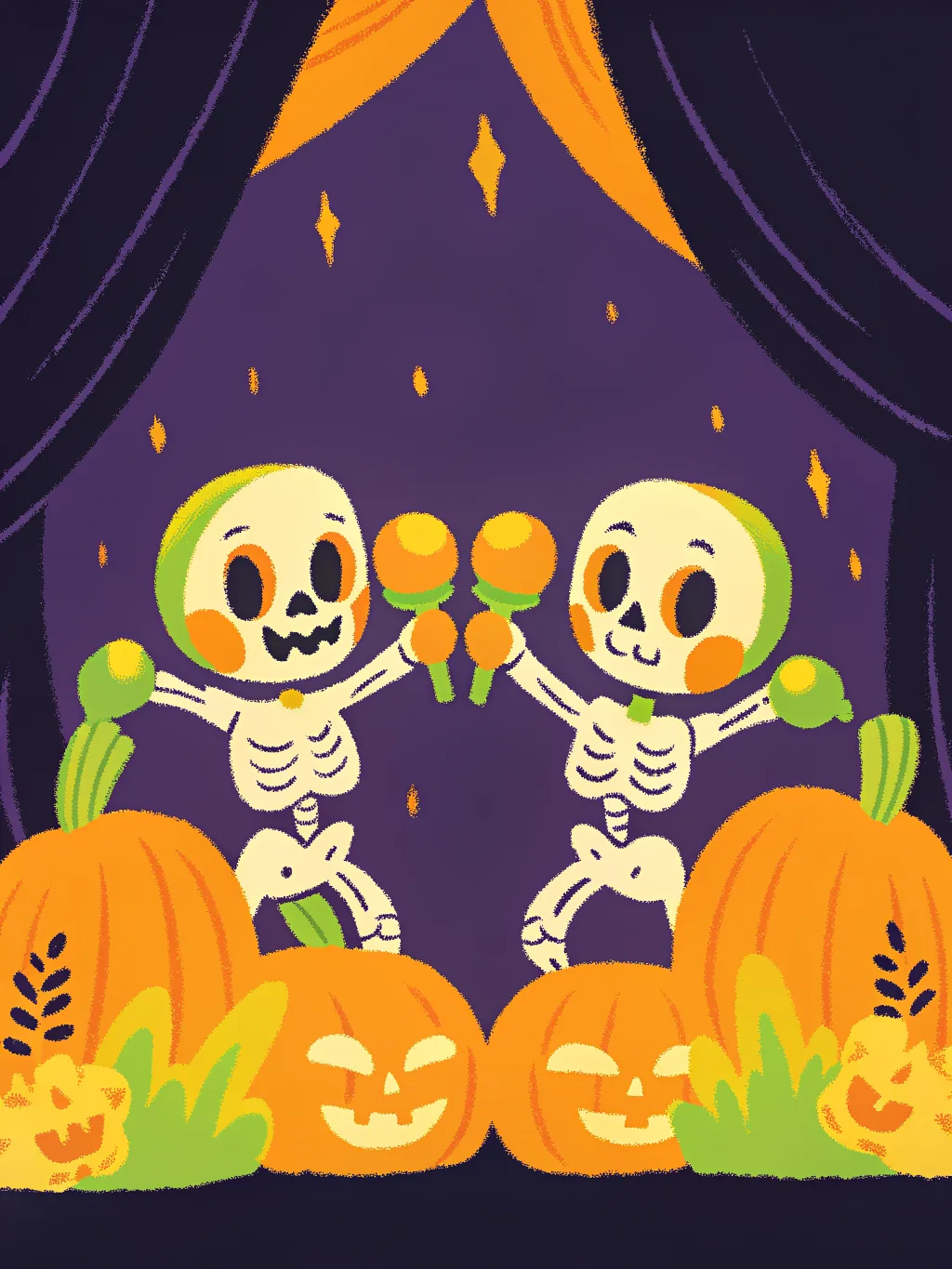
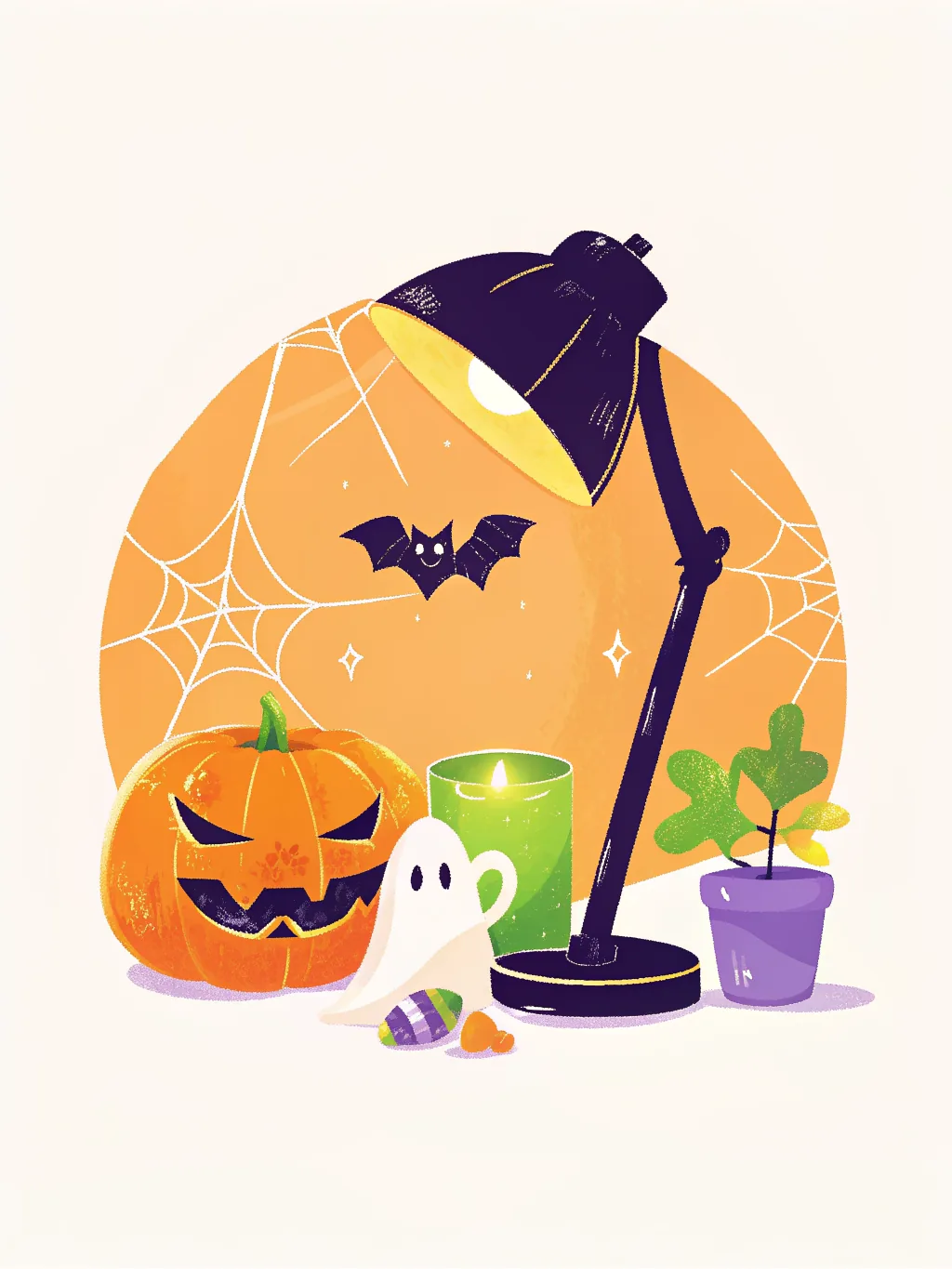
Start from a drawn cover in your own colours, or one of these illustrated designs.

How it works
- 1
Make the invitation
Pick a cover, add the date, the place and anything guests should know.
- 2
Send it your way
Email each guest their own invitation, or share one link in the group chat. There’s a QR code too.
- 3
Watch the replies
Going, maybe or can’t, with plus-ones and dietary needs, in one live guest list.
What to write
- Our Halloween party is on! Saturday 31 October from 8pm at ours. Costumes encouraged, prizes for the best. Please reply by 24 October.
- Trick-or-treat and pizza for the kids: Saturday 31 October, 4–7pm. Come in costume, we’ll have the candy. Let us know about any allergies.
- Office Halloween party, Friday 30 October from 4pm. Costume contest at 5, candy all afternoon. Reply so we know how much pizza to order.
- A grown-up Halloween masquerade: Saturday 31 October, 9pm. Masks on, cocktails in. Please reply by the 25th.
Say how seriously to take costumes
Optional, encouraged, or no costume no entry? One line saves someone from being the only vampire, or the only one in jeans.
Ask about allergies before the candy
Nut allergies and Halloween candy are a bad mix. A dietary question on the invitation tells you before you shop.
For a potluck, coordinate
Add a who’s-bringing-what list and guests pick something when they reply, so you don’t end up with six bowls of candy corn and no drinks.
More examples: Halloween ecards for coworkers·Holiday party invitation wording
Free for up to 100 guests
- · Up to 100 guests
- · Email invitations, each with its own link
- · Reply in a tap: going, maybe or can’t, with plus-ones
- · Dietary and accessibility questions, with consent
- · Guests change their reply and add it to their calendar
- · A share link (open, or you approve each person) and a QR code
- · Live headcount and dietary summary
- · A who’s-bringing-what list for potlucks
- · An email to guests if the time or place changes
How that compares with RSVPify, Evite and others: free RSVP tools compared.
Questions
- Is it free to send a Halloween party invitation?
- Yes, for up to 100 guests: the invitation page, email invites, a share link, replies with plus-ones, dietary questions and the live guest list.
- Do my guests need an account to RSVP?
- No. They open the invitation from their email or the link, tap going, maybe or can’t, and that’s it. They can change their reply later from the same link.
- Can I use it for the office Halloween party?
- Yes. Email everyone their own invitation or post the share link in Slack, and watch the headcount as replies come in.
- Can guests say what they’re bringing?
- Yes. Add a who’s-bringing-what list (snacks, drinks, a dessert) and guests pick something when they reply; they see how many have taken each, not who.
- Are the designs scary?
- Cute-spooky: friendly ghosts, a monster disco, a party table with eyeball punch, a masquerade mask for a grown-up party. Or draw your own cover in the Halloween night palette.