Group congratulations cards
Promotions, certifications, new arrivals, the deal that took nine months — good news at work usually gets a thread of emoji and then scrolls away. A card holds it still. Pick a design, invite the people who watched it happen, and send it on the day.
Create a free congratulations card →Free · up to 100 invited signers · no accounts for the people signing
Congratulations card designs
Every design is free. Pick one to send it as a group card — it opens as a real card, an illustrated cover that folds open and turns one page per signer.
 Confetti Cannon Send as a group card
 The Trophy Send as a group card
 Liftoff Send as a group card
 Starburst Send as a group card
 Cap And Scroll Send as a group card
 Champagne Tower Send as a group card
 Cork Pop Send as a group card
 Lift Off Send as a group card
 Rosette Send as a group card
 Star Burst Send as a group card
 Summit Send as a group card
 Step Up Send as a group card
 Milestone Marker Send as a group card
 Washing Line Send as a group card
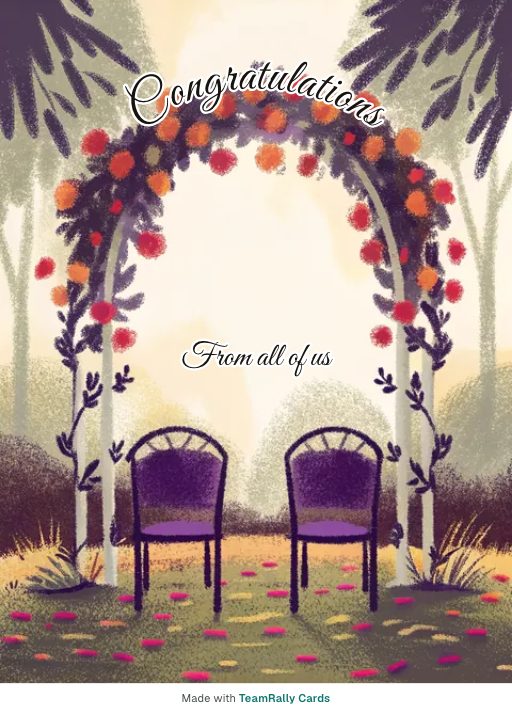 Flower Arch Send as a group card
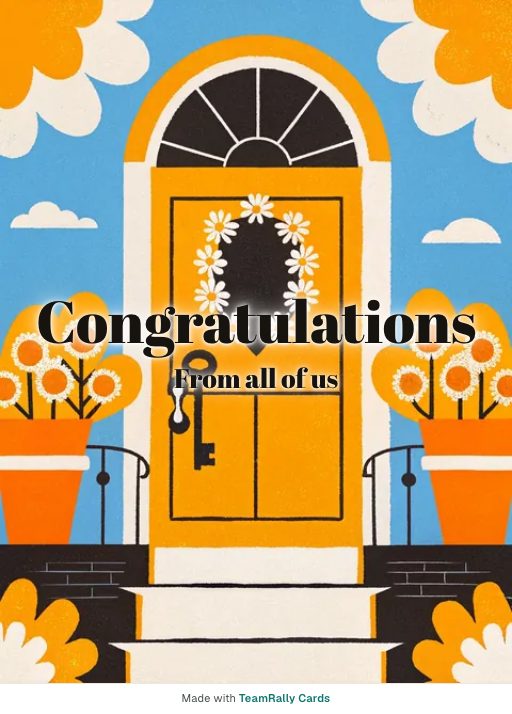 Front Door Send as a group card
 Caps Off Send as a group card
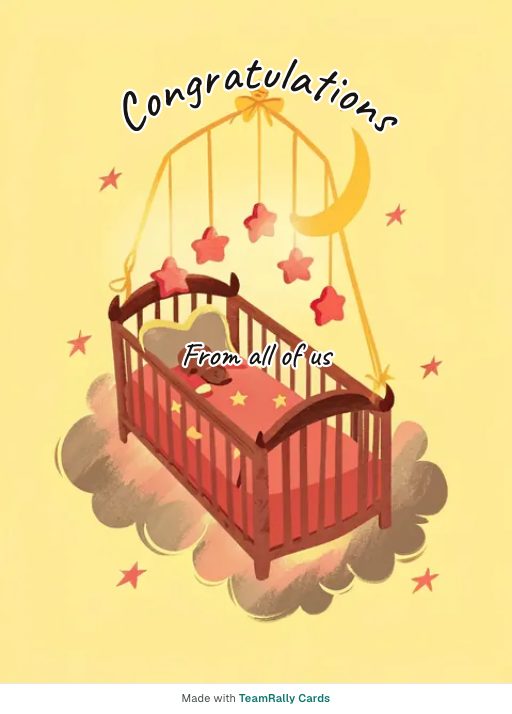 Nursery Mobile Send as a group card
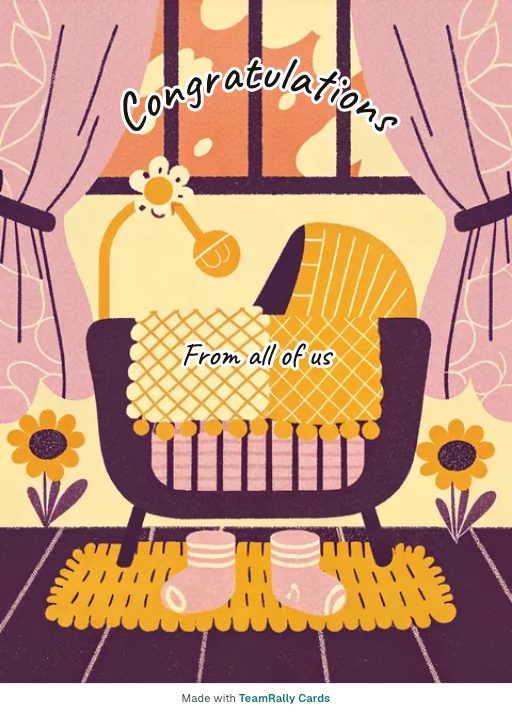 Booties Send as a group card
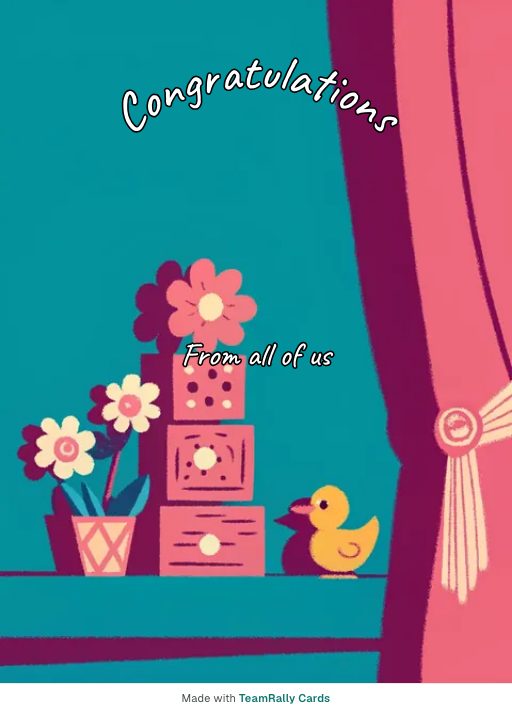 Toy Blocks Send as a group card
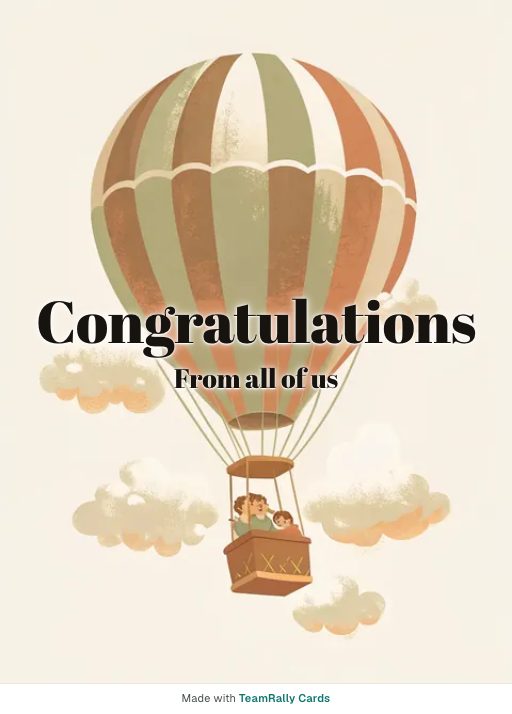 Up and Away Send as a group card
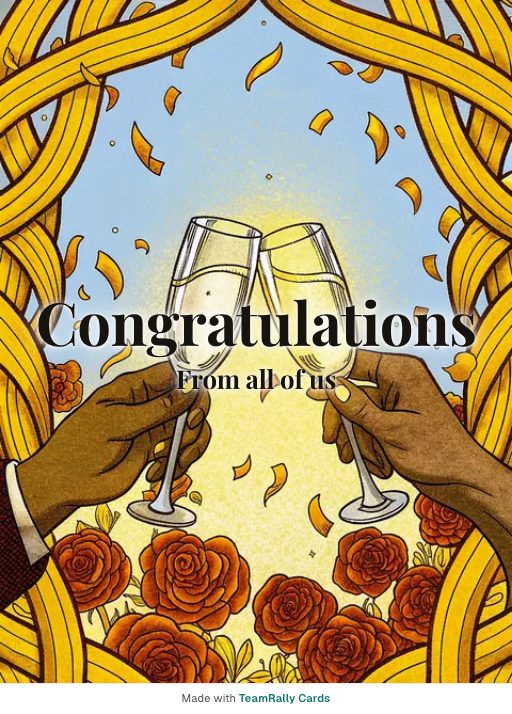 Cheers Send as a group card
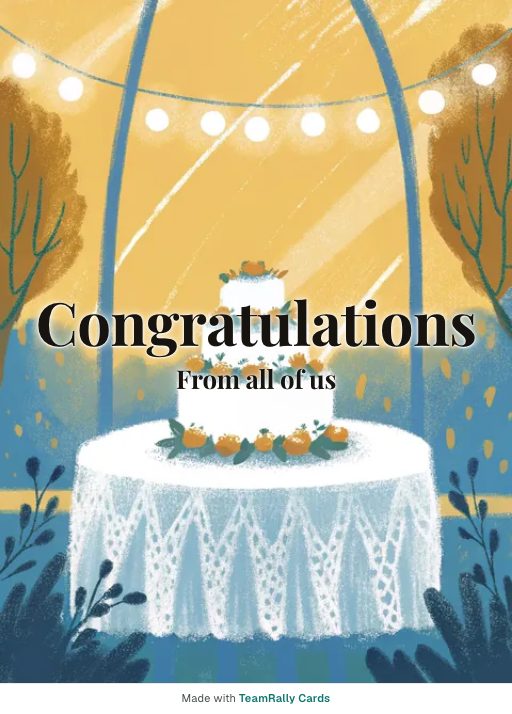 Wedding Cake Send as a group card
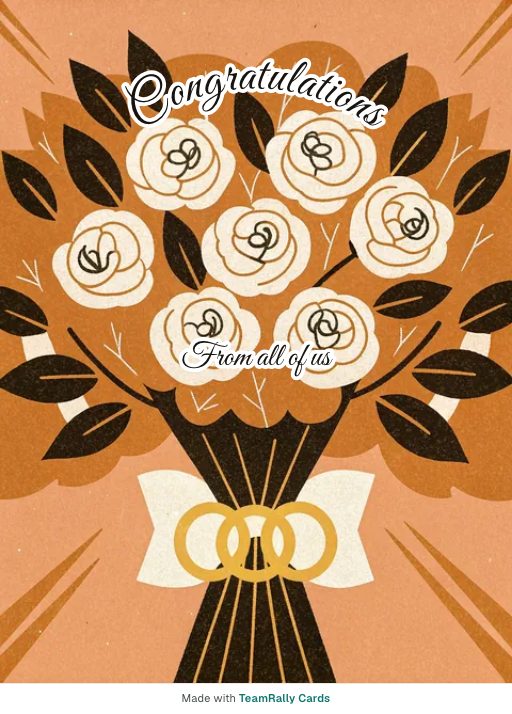 Bouquet Send as a group card
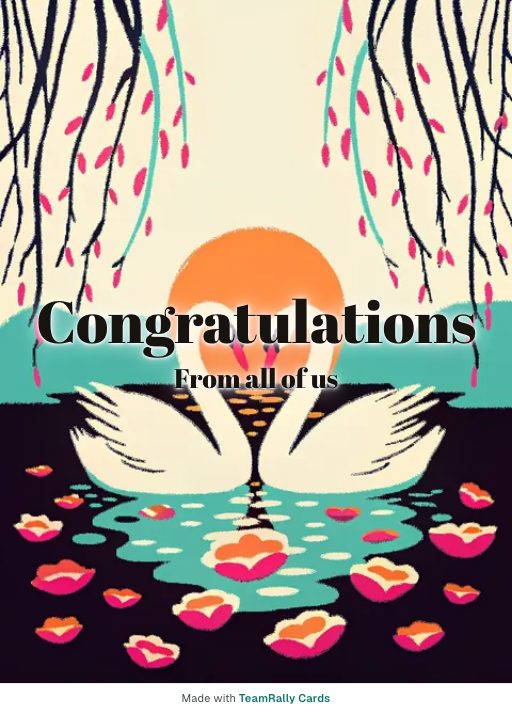 Two Swans Send as a group card
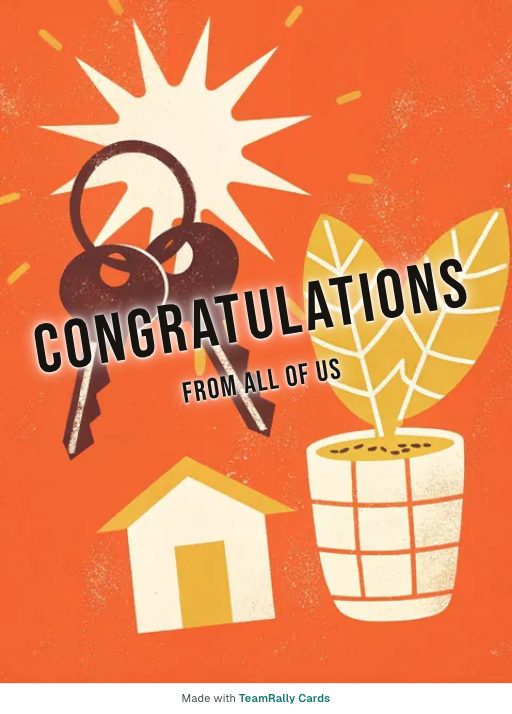 New Keys Send as a group card
 Moving Day Send as a group card
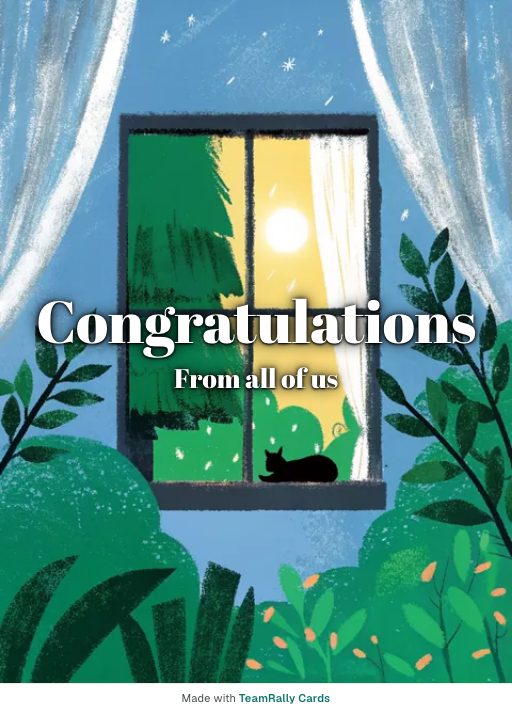 Lit Window Send as a group card
 Diploma Send as a group card
 Top of the Stack Send as a group card
How it works
- 1
Pick a design and write the first message
No account needed to start — you compose first and only give an email when you save the card.
- 2
Invite the team by email
Everyone gets their own private invite link. Nothing to forward around Slack, and you can see who has signed.
- 3
It delivers itself on the day
Sealed until the delivery date, then it opens in the timezone you set for them — not yours.
What to write
- Congratulations! Thoroughly deserved, and about time.
- Brilliant news. Nobody worked harder for this than you.
- Congratulations — genuinely pleased for you.
- Well done! Enjoy this bit before the next thing starts.
- Congratulations. Watching you get here has been a pleasure.
Name what they achieved
"Congratulations!" with no object could be about anything. Say the thing — the promotion, the certification, the baby — so the card still makes sense in five years.
Send it while it is still news
Congratulations have a short shelf life. A card that arrives three weeks later reads as an afterthought, however warm the messages are.
Let people be enthusiastic
This is the one occasion where over-the-top is correct. Restraint reads as lukewarm.
More message examples: Congratulations messages for a coworker's promotion·What to write in a group card
Why teams use TeamRally Cards
- Free to make, sign and send. Invite up to 100 people, with no per-signer fee, premium designs or charge to deliver. A copy to keep — a PDF to print, a vertical video to post — is an optional $12 extra afterwards.
- Personal email invites. Every signer gets their own link, so there is no shared URL for the recipient to stumble across.
- Sealed until the day. The recipient's link refuses to open before delivery, so a leaked link doesn't spoil the surprise.
- No accounts for signers. They click their invite and write. No sign-up, no password, no app.
See how that compares with Kudoboard, GroupGreeting and Ellacard.
Questions
- What do you write in a congratulations card for a coworker?
- Name the achievement, say why it was not a fluke, and keep it short. Specific enthusiasm reads better than a long general paragraph.
- Can I use this for something that is not a work milestone?
- Yes. Congratulations covers new babies, house moves, marathons and exams as well as promotions. If none of the eight occasions fit, "Something else" lets you write your own headline and pick the artwork.
- How fast can I send one?
- You can create a card and invite signers in about a minute, and set delivery for the same day if the news just broke.