Free Thanksgiving ecards for coworkers
Thanksgiving is the one holiday that is about gratitude, which makes it the easiest card of the year to write well. A turkey with a proud tail, a long table set for everyone, a pumpkin pie with one slice gone: pick a design, invite the team to say what they’re thankful for, and it opens on the morning you choose.
Create a free Thanksgiving card →Free · up to 100 invited signers · no accounts for the people signing
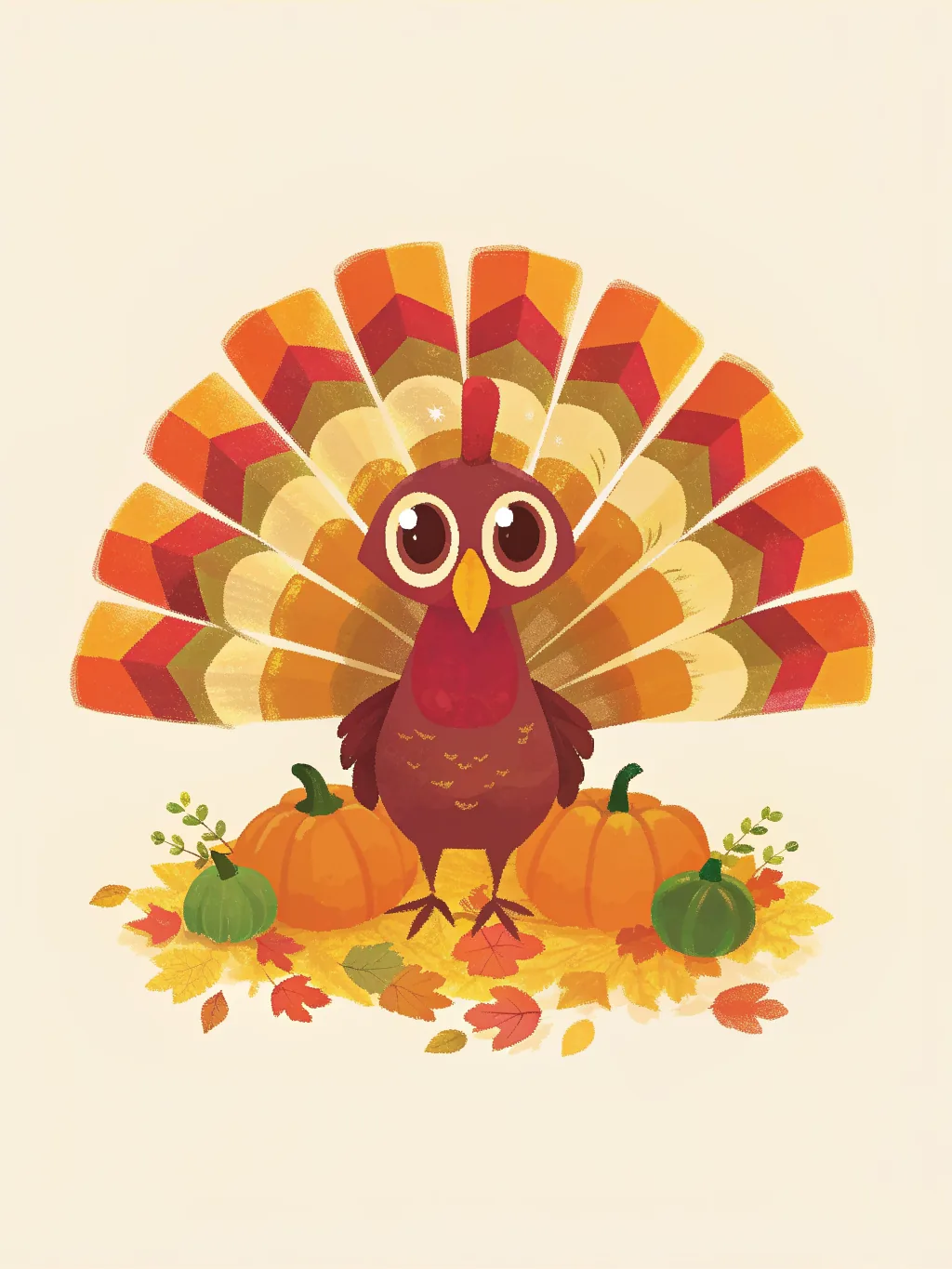



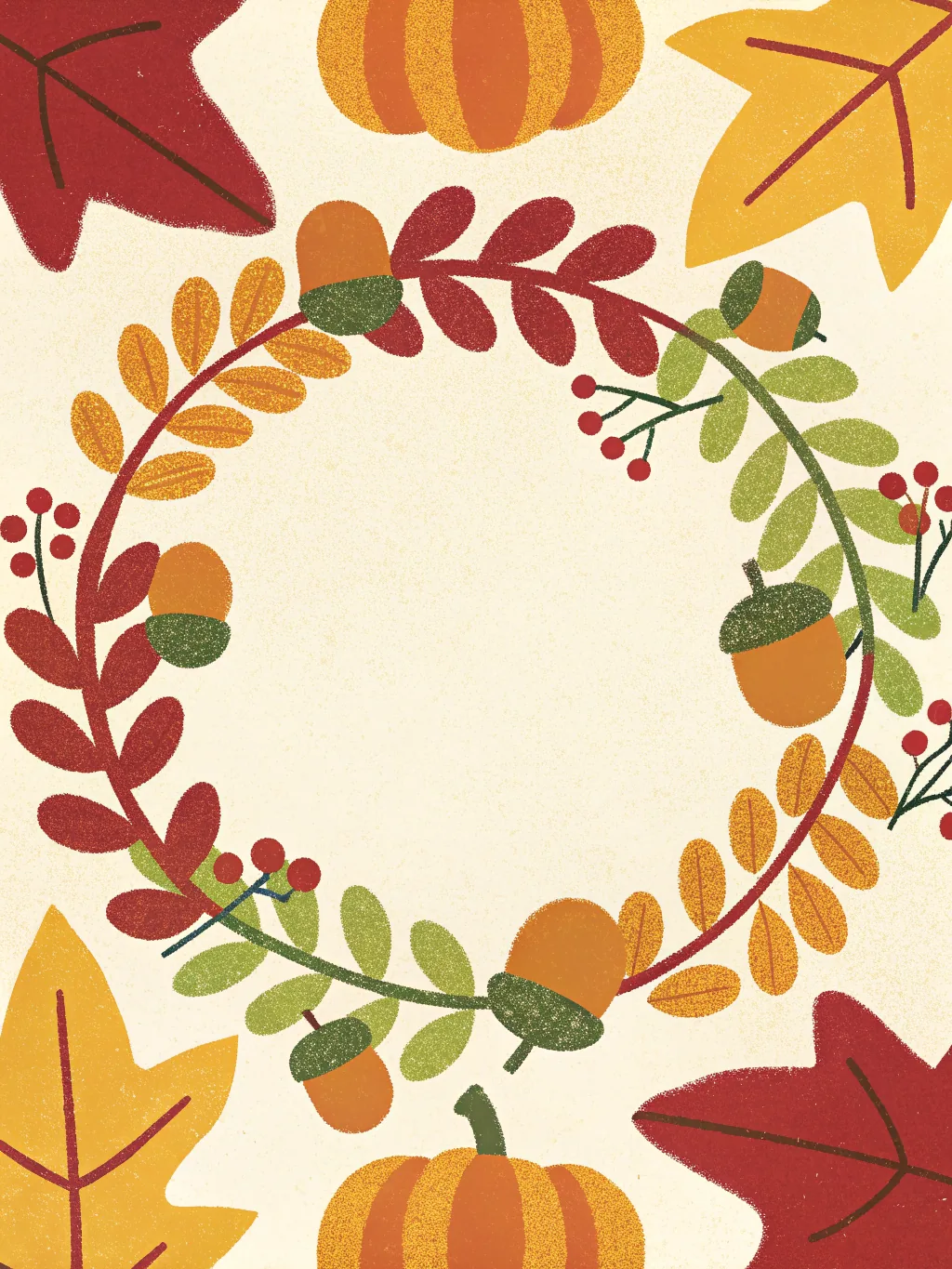
Thanksgiving card designs
Pick a design. Add your own greeting.
Want a ready-made image? Free Thanksgiving card downloads →



Hosting Thanksgiving or Friendsgiving?
Send the invitation by email or link, and collect replies, plus-ones, dietary needs and who’s bringing which dish in one list. Free for up to 100 guests.
Create a Thanksgiving invitation →How it works
- 1
Pick a design and write the first message
No account needed to start — you compose first and only give an email when you save the card.
- 2
Invite the team by email
Everyone gets their own private invite link. Nothing to forward around Slack, and you can see who has signed.
- 3
It delivers itself on the day
Sealed until the delivery date, then it opens in the timezone you set for them — not yours.
What to write
- Happy Thanksgiving! Grateful for a team that makes the hard weeks feel shorter.
- Thank you for everything this year. Enjoy the long weekend and an extra slice of pie.
- Happy Thanksgiving from all of us. We’re thankful you’re on this team.
- Wishing you a table full of good food and even better company. Happy Thanksgiving!
- To the person who always brings the snacks: we’re thankful for you. Enjoy the break!
Send it before the long weekend
Thanksgiving is Thursday 26 November this year, and many offices close Thursday and Friday. Schedule the card for Tuesday or Wednesday morning, while everyone is still around to read it.
Ask for one specific thank-you
This is the card where “thank you” is the whole point. Ask everyone to name one thing they’re grateful for about the person, and the card writes itself.
For clients, one card each
Choose “Send it to a list” and up to 25 clients each get their own copy with their name on it, arriving at 9am in their timezone.
More message examples: Thanksgiving and Friendsgiving invitations·Thanksgiving cards for clients·Holiday cards for teams
Why teams use TeamRally Cards
- Free to make, sign and send. Invite up to 100 people, with no per-signer fee, premium designs or charge to deliver.
- Personal email invites. Every signer gets their own link, so there is no shared URL for the recipient to stumble across.
- Sealed until the day. The recipient's link refuses to open before delivery, so a leaked link doesn't spoil the surprise.
- No accounts for signers. They click their invite and write. No sign-up, no password, no app.
See how that compares with Kudoboard, GroupGreeting and Ellacard.
Questions
- Are these Thanksgiving ecards free?
- Yes. Every design is free to make, sign and send, with up to 100 invited signers and no account for the people signing.
- Can I change the greeting?
- Yes. Each design opens with “Happy Thanksgiving” already written, and you can rewrite it (to “Happy Friendsgiving”, or simply “Thank you”), move it or change its colour.
- When should I send a Thanksgiving card to coworkers?
- Before the holiday rather than on it: the Tuesday or Wednesday of Thanksgiving week, when everyone is still at work. You pick the day and time, and it opens in the recipient’s timezone.
- Can I send Thanksgiving cards to clients?
- Yes. Choose “Send it to a list”: write one message and up to 25 clients each get their own copy at their own email, with their name on it. For a key client, make one card the whole account team signs.
- Are the designs only for American Thanksgiving?
- No. A harvest table, a maple wreath and a tree full of autumn leaves suit Canadian Thanksgiving in October, or any autumn thank-you, just as well.